



You just launched your Shopify store. You browse the App Store and see over 17,000 apps — all promising to boost your sales, improve your SEO, or grow your email list.
It’s overwhelming. And the biggest mistake new merchants make? Installing too many apps too soon.
Every app you install adds scripts to your store that can slow it down, create conflicts on your storefront, and add complexity you don’t need yet. The best approach for beginners is to start lean — install only what solves a real, immediate need, learn it well, and add more as your store grows.
This guide cuts through the noise and recommends only the essential apps for a new Shopify store. Most are free or have generous free plans, so you can get started without breaking your budget.
How to Choose the Right Apps
Before installing anything, ask yourself: what is my biggest bottleneck right now? Don’t install an app because it sounds useful — install it because it solves a specific problem you’re facing today.
Here’s what to look for when evaluating any Shopify app:
- Does it solve your actual need? An app with 50 features is useless if none of them address your current problem. Match the app to your bottleneck.
- Price. As a beginner, prioritize free plans and freemium apps. You can upgrade later when revenue justifies the cost.
- Reviews and ratings. Check the Shopify App Store reviews. Pay attention to recent reviews — they reflect the current state of the app, not what it was a year ago.
- Developer support. Responsive support matters, especially when you’re new. Look for apps with active support teams who reply quickly and helpfully.
- Regular updates. An app that’s actively maintained and improved is a good sign. Abandoned apps can break with Shopify updates and create security risks.
The Essential App Categories
You don’t need an app for everything on day one. Here are the categories that matter most when you’re starting out, in order of priority.
1. Product Reviews and Social Proof
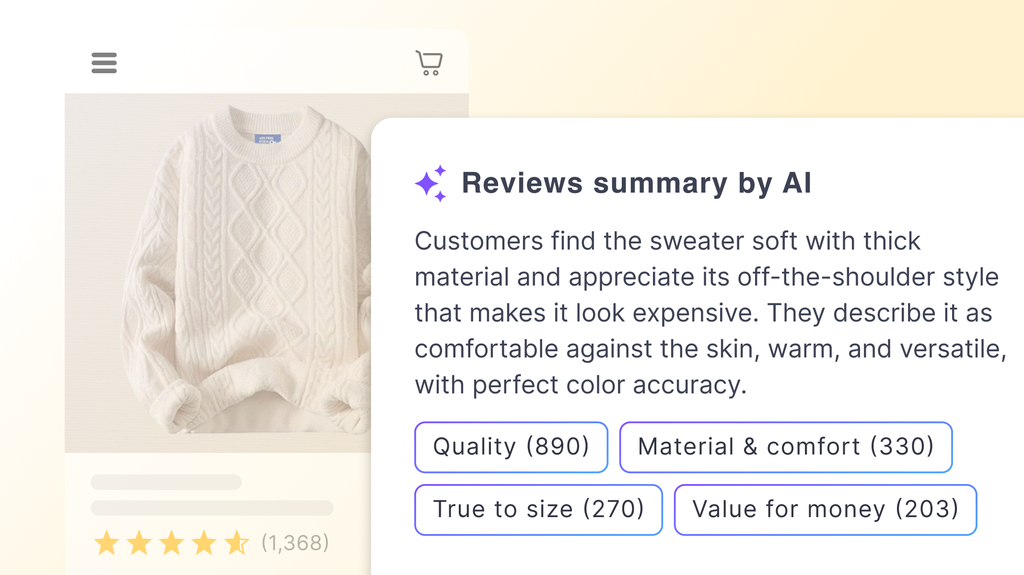
Why it matters first: Trust is the biggest barrier for a new store. Visitors have never heard of you, and without reviews, there’s no reason to trust that your products are worth buying. Collecting and displaying reviews should be one of your earliest priorities.
Recommended apps:
TrustShop Product Reviews (Free plan available)
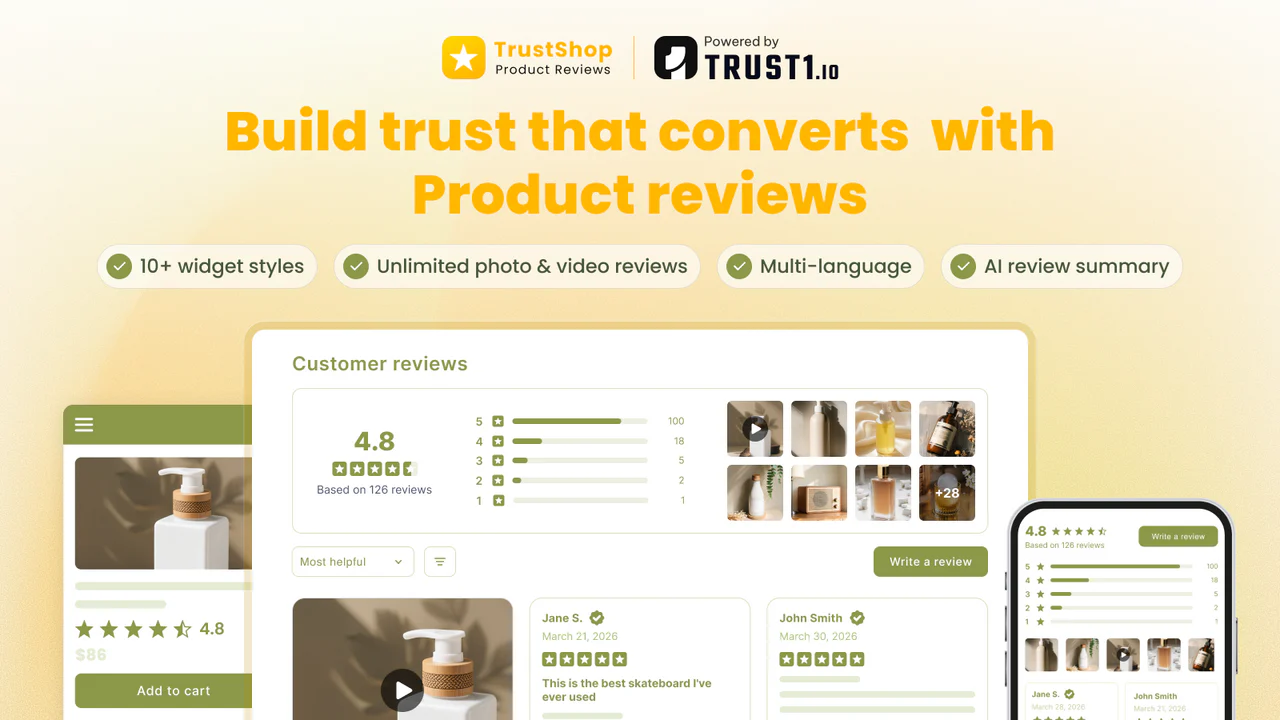
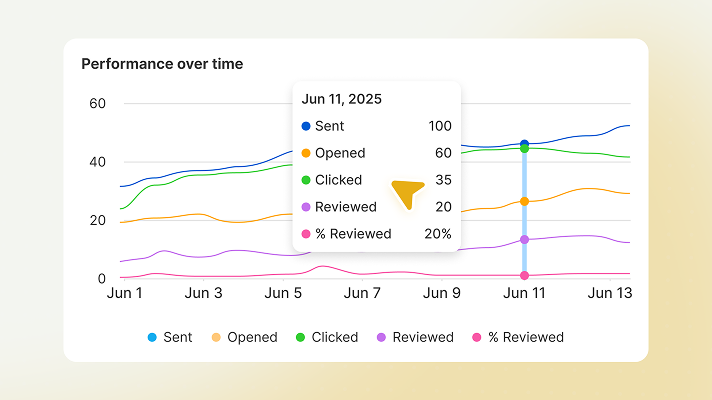
- Collect unlimited photo and video reviews with automated email requests
- Display reviews across homepage, product pages, cart page, and near Add to Cart — impacting every stage of the buying journey
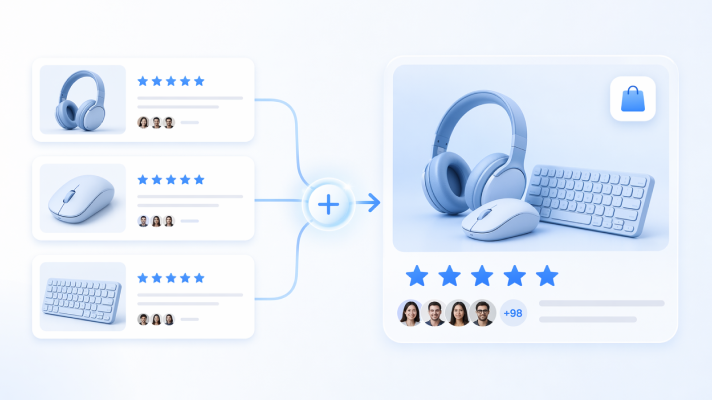
- Import reviews from marketplaces like Amazon or AliExpress to start fast
Judge.me (Free plan available)
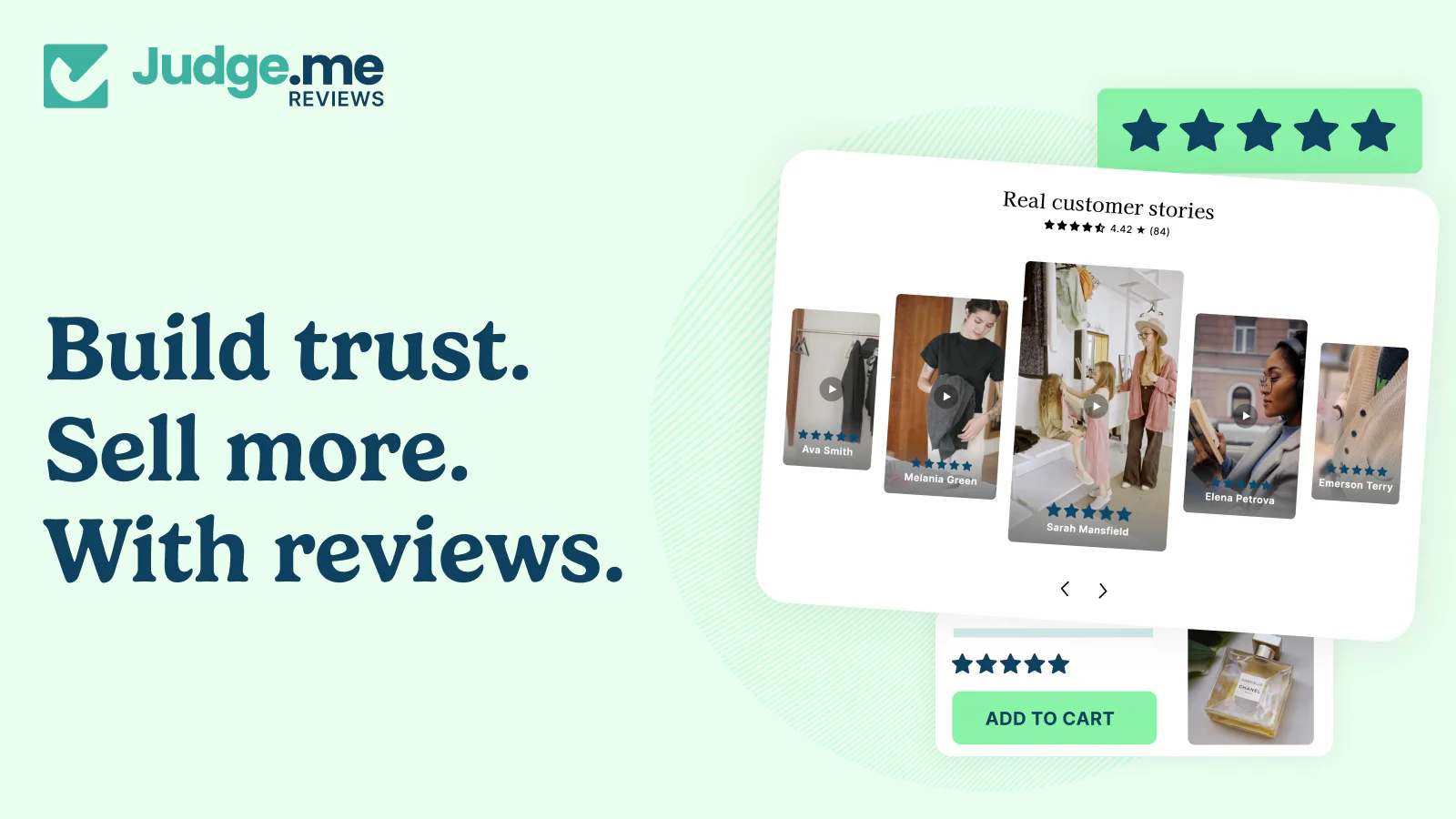
- Collect unlimited product reviews, star ratings, and photo/video UGC
- SEO-friendly rich snippets and syndication to Google, Meta, and Shop App
- Flat pricing: free plan with no review limits, paid plan at $15/month with no tiers
2. Customer Service and Support
Why it matters: Customers will have questions — about sizing, shipping, returns, or your products. If they can’t get a quick answer, they leave. A live chat tool gives them an instant way to reach you while they’re still on your store and ready to buy.
Recommended apps:
Shopify Inbox (Free)
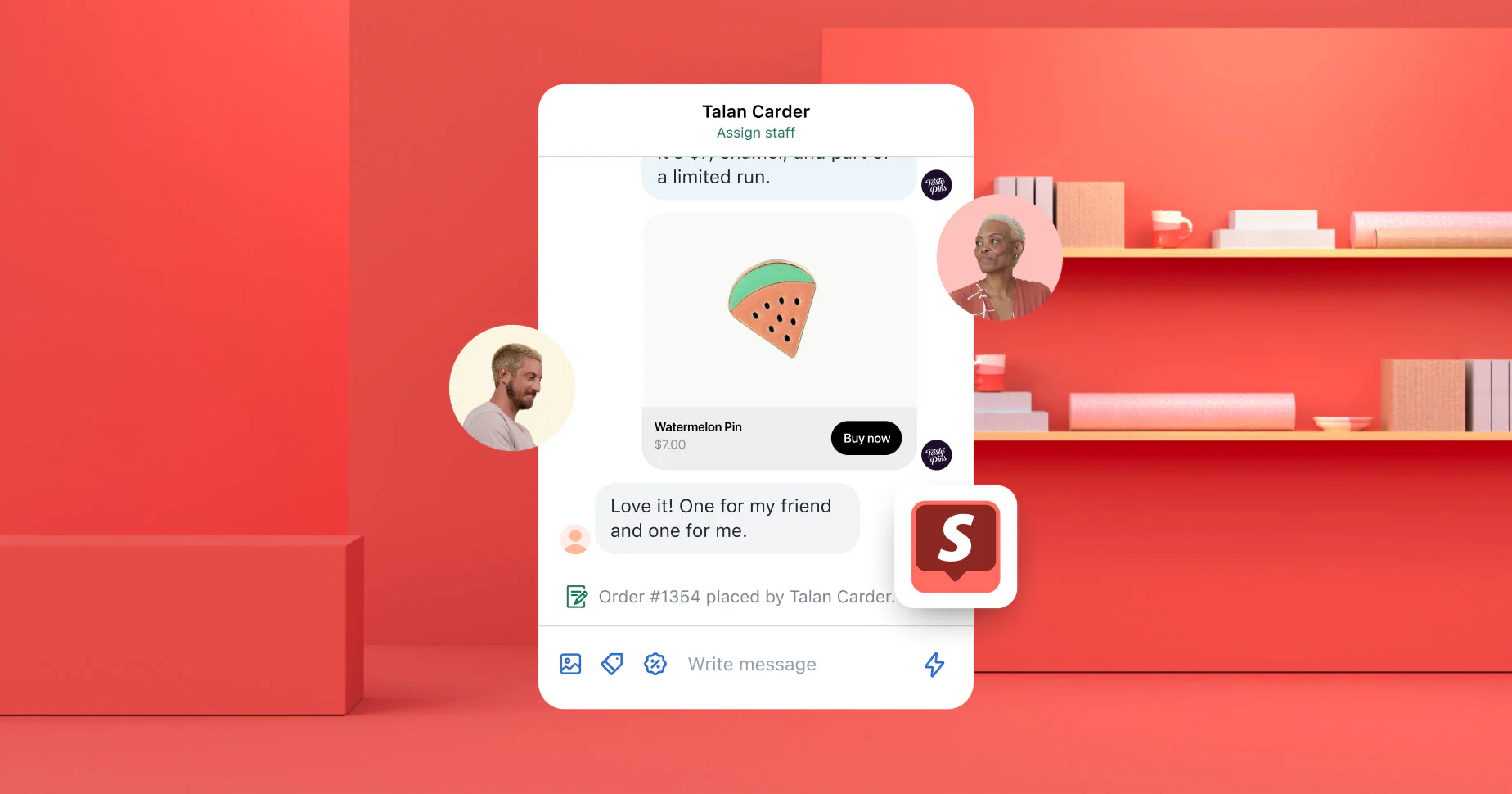
- Free live chat app by Shopify
- See what’s in the customer’s cart while you chat
- Mobile app lets you respond from anywhere
Tidio (Free plan available)
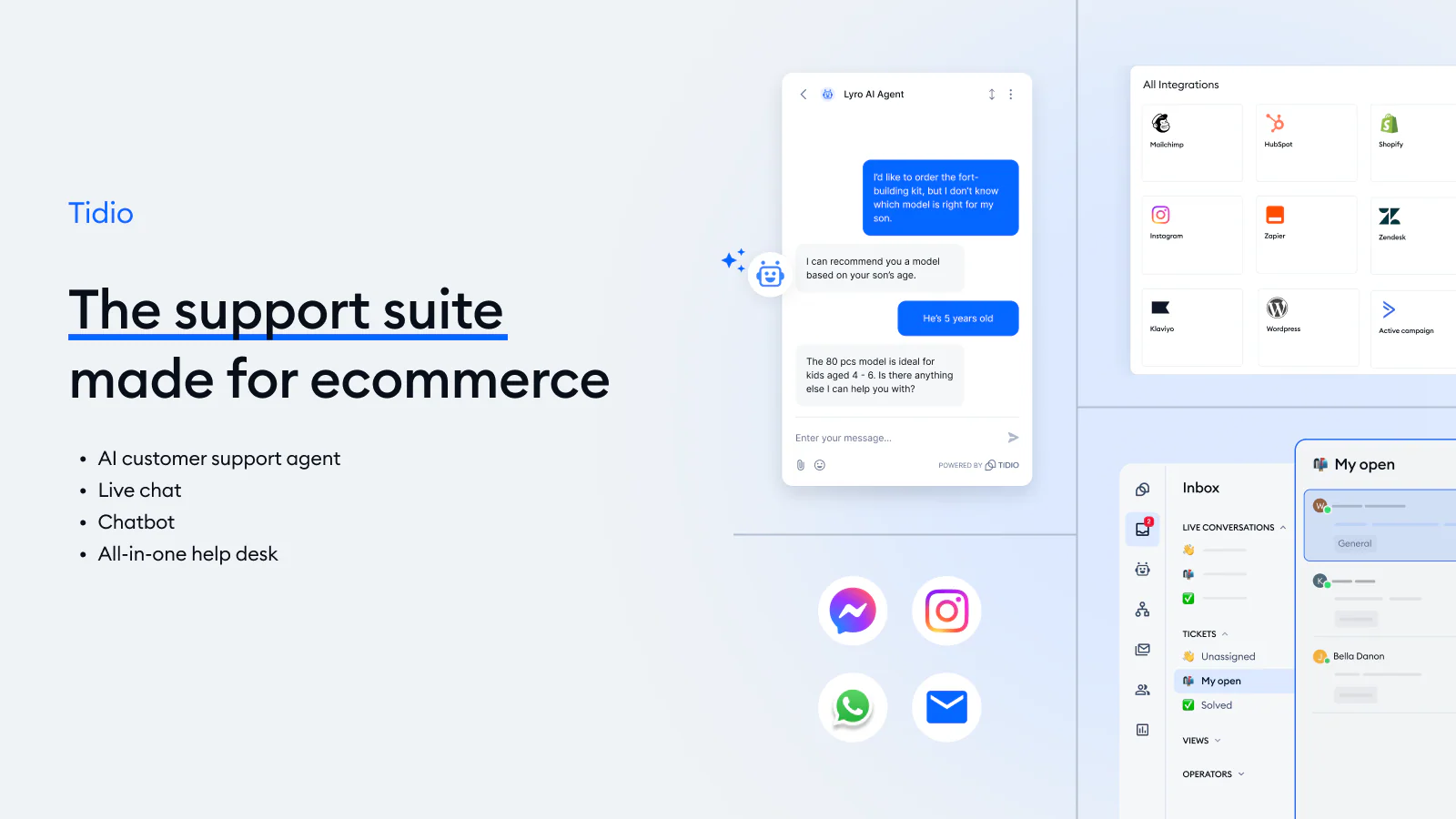
- Live chat, AI chatbot (Lyro), and visual flow builder for automated responses
- Unified inbox for chat, email, and social media in one place
- Free plan includes 50 live chat conversations per month
3. Email Marketing
Why it matters: Email is one of the highest-ROI marketing channels for ecommerce. From welcome sequences to abandoned cart recovery to promotional campaigns, email lets you stay in touch with customers and bring them back to buy again.
Recommended apps:
Omnisend (Free plan available)
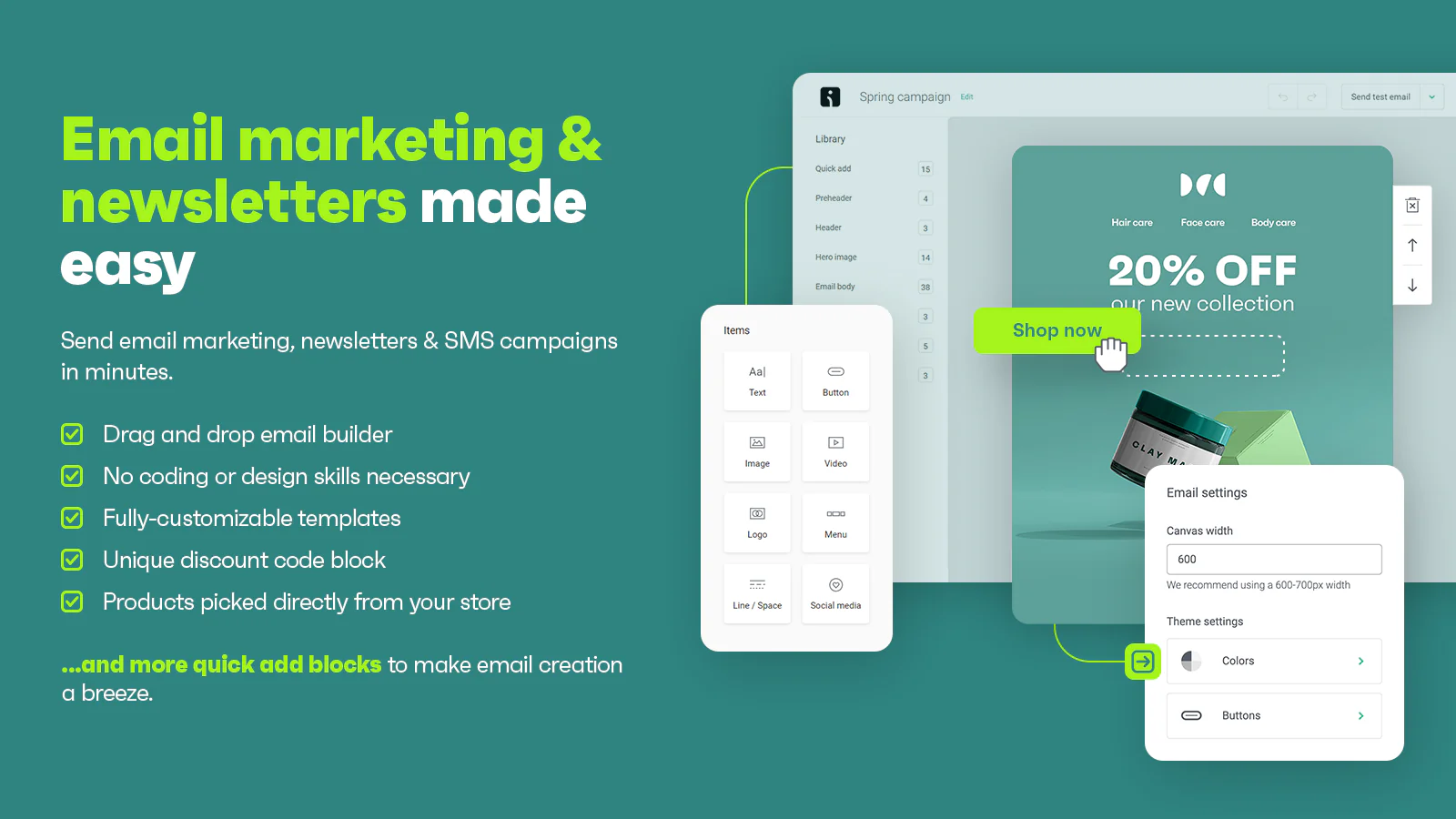
- Email and SMS marketing from one platform with drag-and-drop editor
- Pre-built automation workflows: welcome series, abandoned cart, post-purchase, and browse abandonment
- 250 contacts and 500 emails/month on the free plan
Klaviyo (Free plan available)
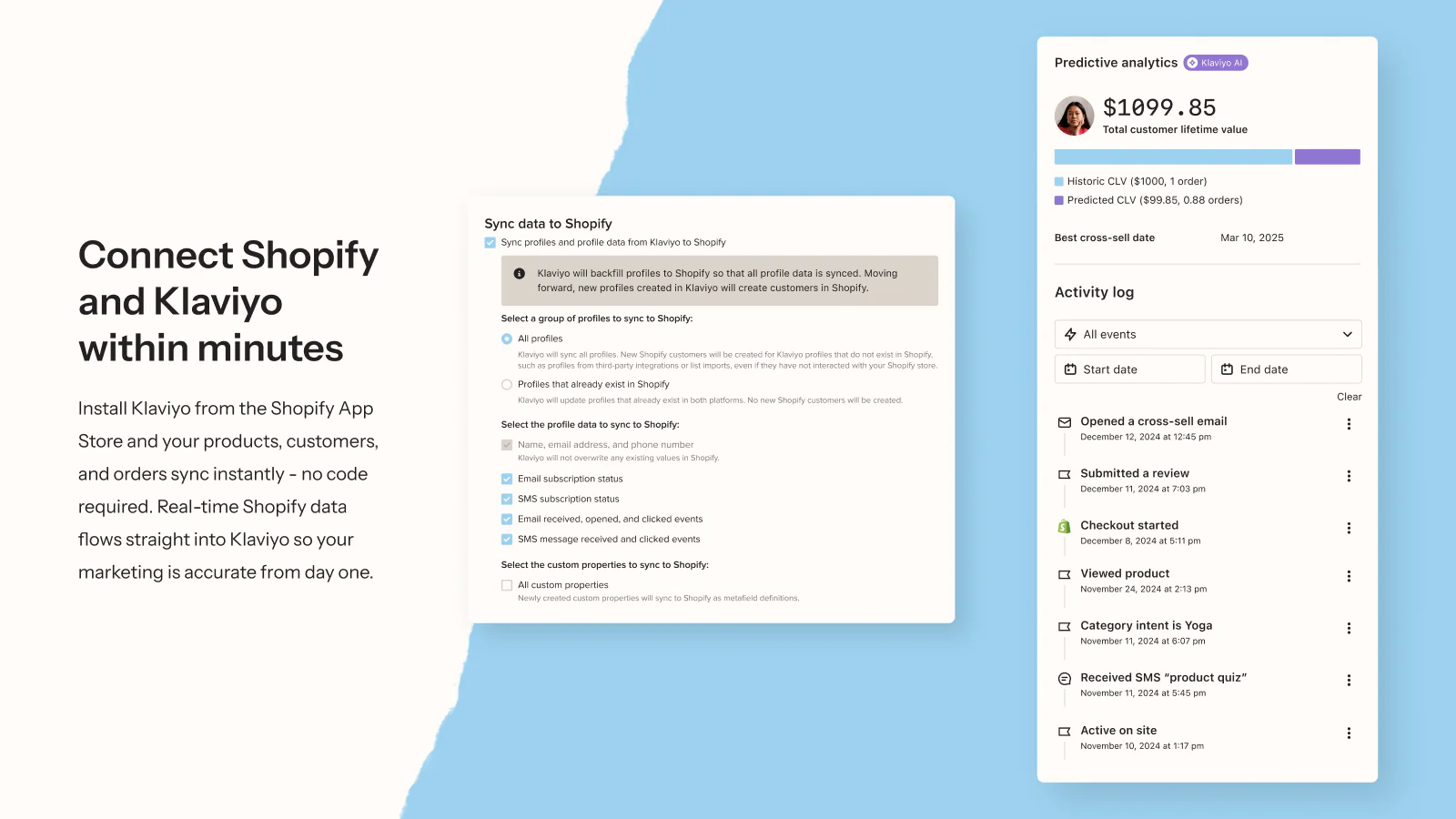
- Advanced segmentation and predictive analytics powered by Shopify data
- 300+ pre-built integrations and customizable automation flows
- Free for up to 250 contacts — steeper learning curve but scales well
4. SEO
Why it matters: Organic search is free traffic. Properly optimized product pages, meta tags, and site structure help your store rank on Google — bringing in customers without ad spend. SEO takes time to pay off, but the earlier you start, the sooner results come.
Recommended apps:
Plug in SEO (Free plan available)
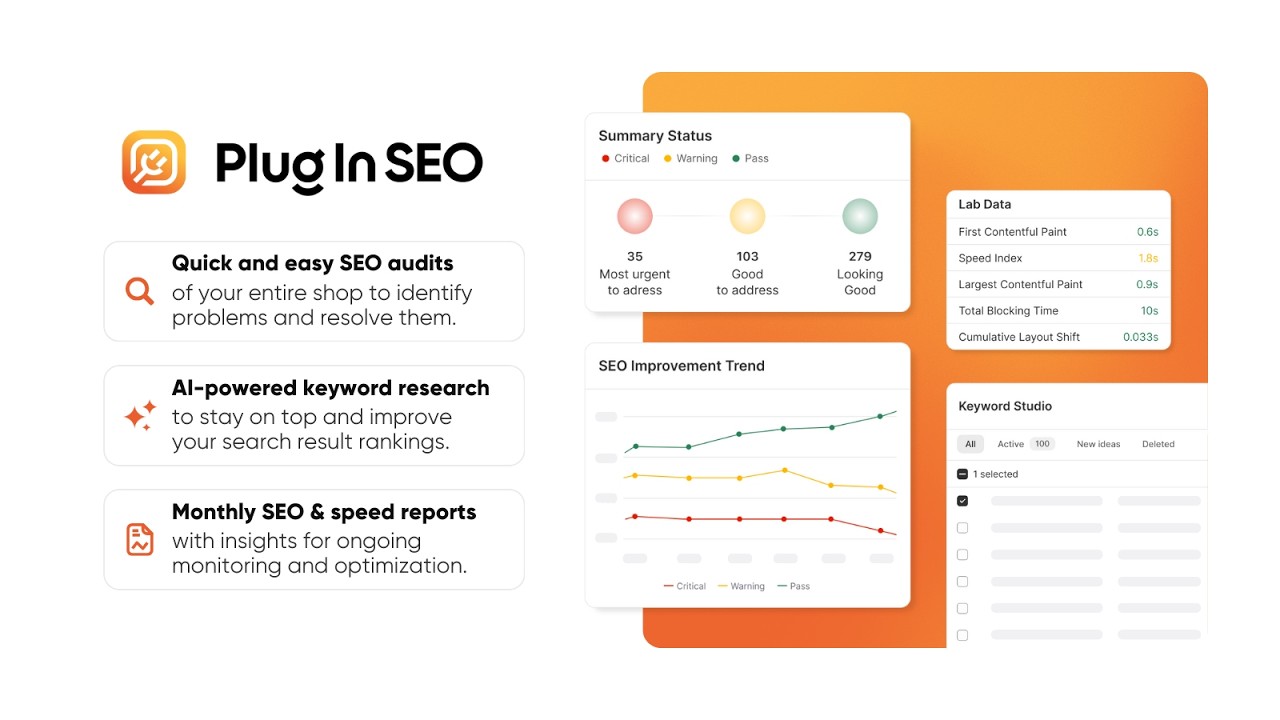
- Scans your store for SEO issues: broken links, missing meta tags, schema markup, and page speed
- Step-by-step fix instructions with prioritized recommendations
- Bulk-edit meta titles and descriptions across products and pages
Tiny SEO (Free plan available)
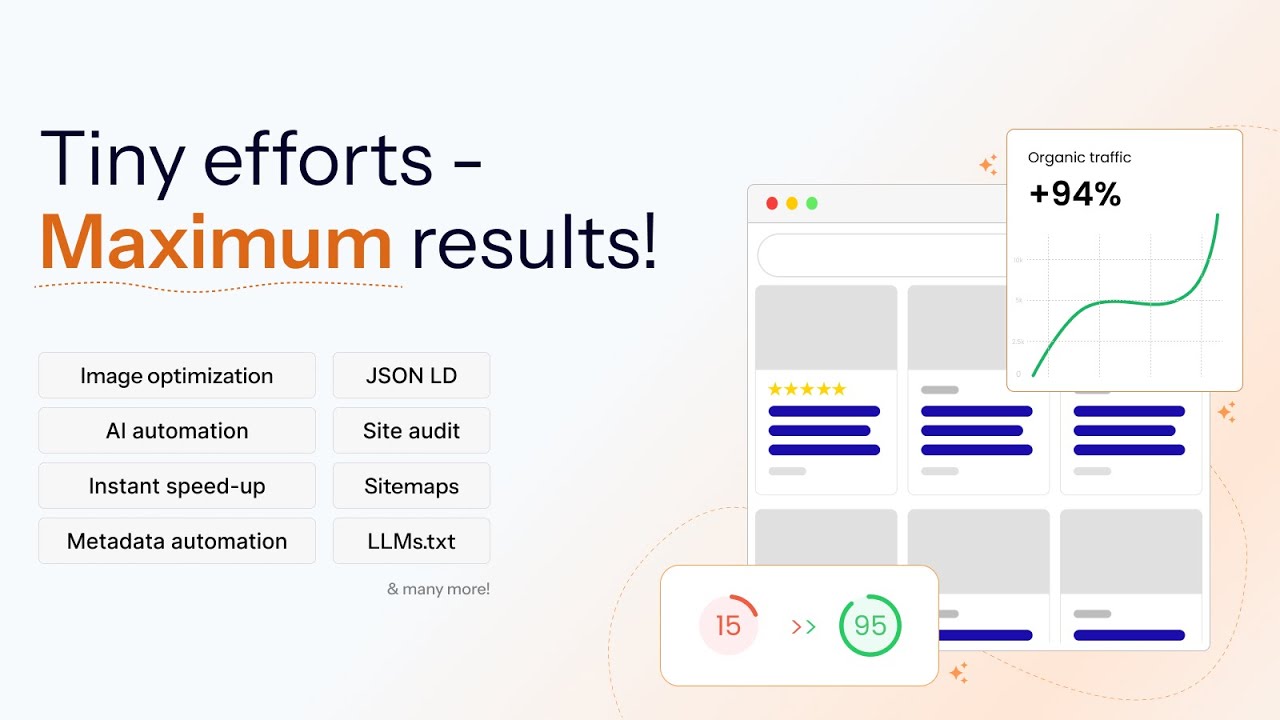
- Automatic image compression and lazy loading to speed up your store
- Auto-generate alt text, meta tags, and JSON-LD structured data
- Broken link detection and redirect management
5. Store Design and Page Building
Why it matters: Your default Shopify theme gets you started, but as you grow, you may want more control over your homepage, product pages, or landing pages — without hiring a developer.
Recommended apps:
MP Instagram Feed – Instafeed (Free plan available)
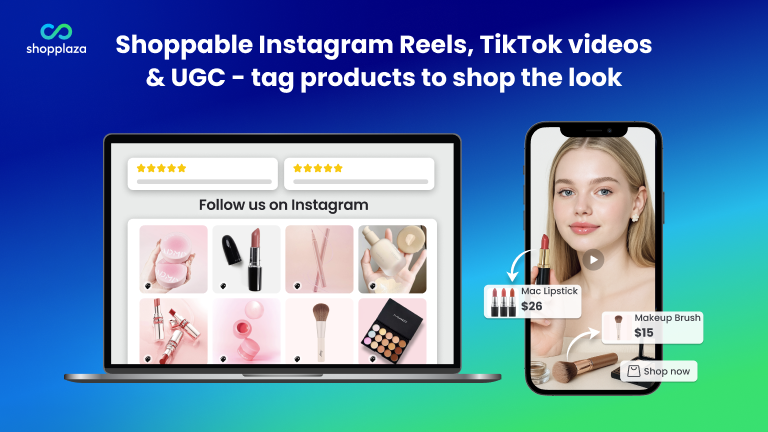
- Turn Instagram, TikTok, and UGC content into shoppable storefront galleries
- Display social feeds on homepages, product pages, landing pages, and other store sections
- Use grid, collage, stories, and split profile layouts to make your storefront more visual
- Add shoppable product tags to social posts so shoppers can discover products directly from social content
- Build visual trust with real customer content and social proof, without coding
GemPages (Free plan available)
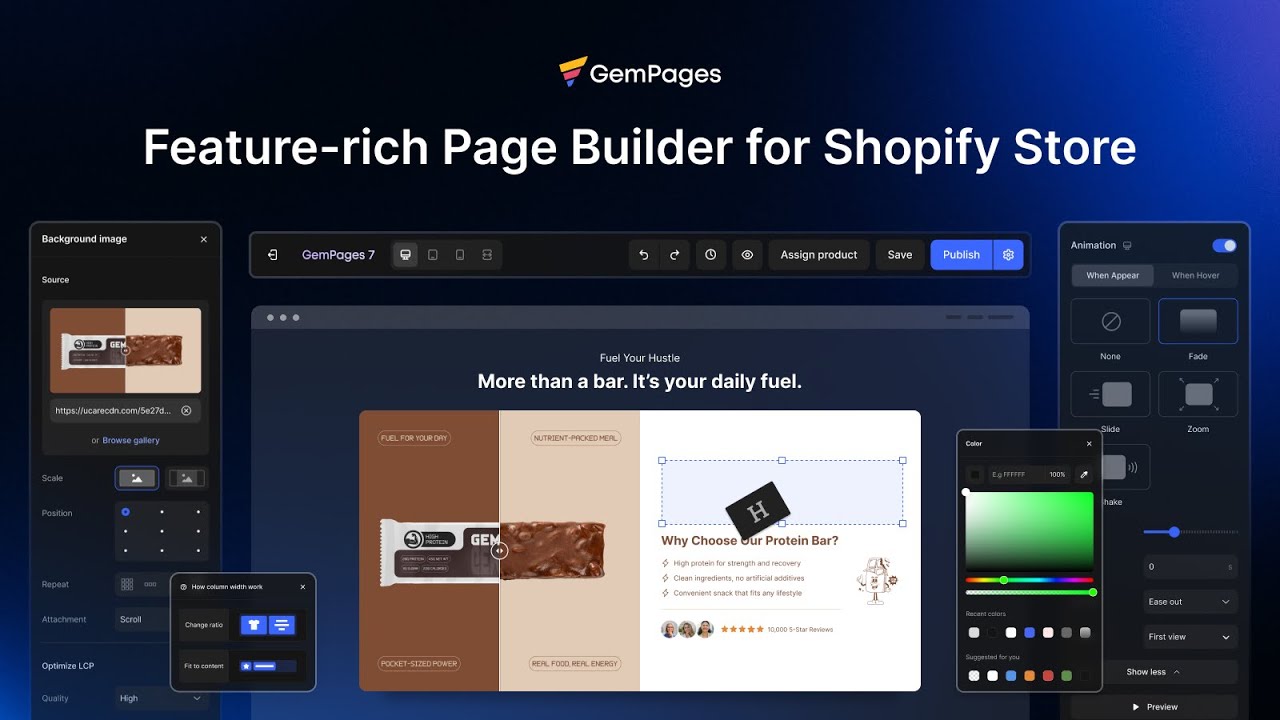
- Visual editor with 200+ conversion-optimized templates
- AI-powered page generation: describe your page in text and AI builds it
- Built-in A/B testing and sales funnel tools
PageFly (Free plan available)
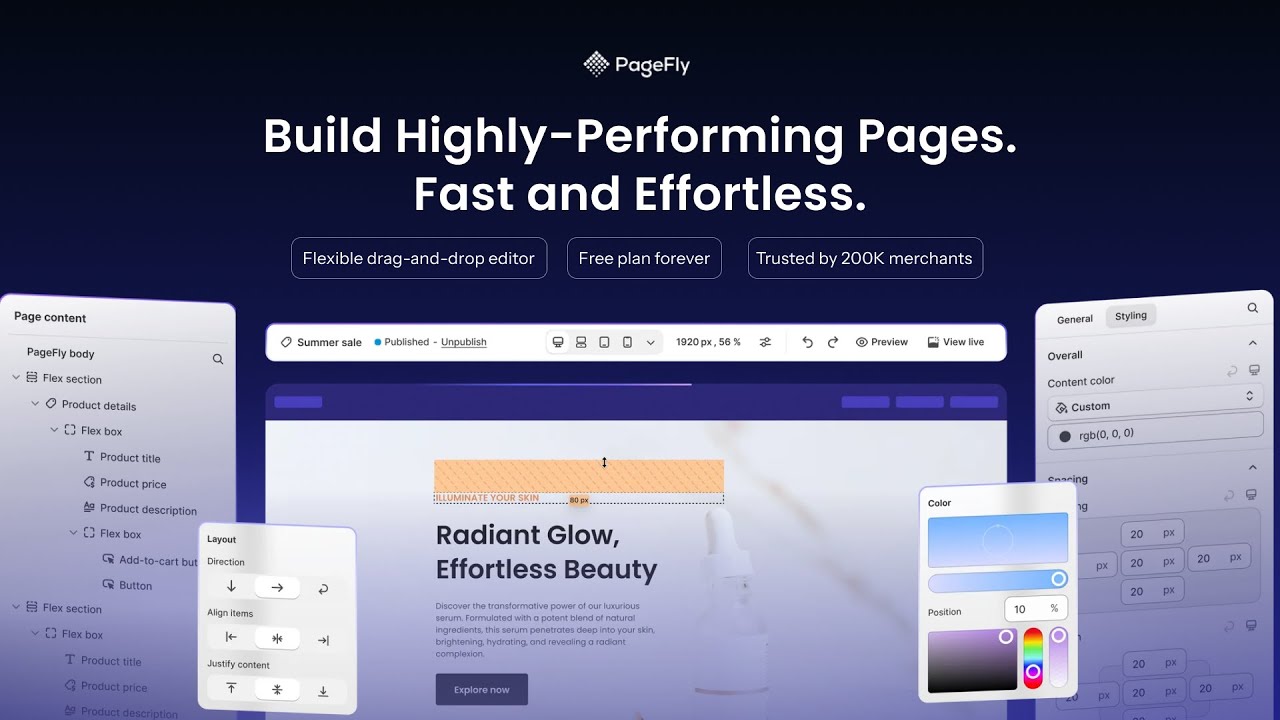
- Drag-and-drop page builder with 100+ templates for any page type
- Build custom homepages, product pages, landing pages, and blog posts
- AI-powered personalization based on traffic source, location, and visitor behavior
6. Inventory Management
Why it matters: Tracking stock levels, managing variants, and avoiding overselling becomes important as your catalog and order volume grow.
Recommended apps:
Shopify’s built-in inventory tools (Free, included)
- Track stock levels, set low-stock alerts, and manage inventory across locations
- Sufficient for most new stores until you start scaling significantly
When to upgrade: You’ll need a dedicated inventory app when you’re managing multiple warehouses, syncing with external suppliers, or handling high order volumes. Apps like syncX or Prediko are popular options at that stage. But for now, Shopify’s native tools do the job.
Common Mistakes to Avoid
- Installing too many apps at once. Start with 2–3 apps max. Learn them well before adding more. Every app adds load time and complexity.
- Installing apps “just in case.” If you’re not actively using an app, uninstall it. Inactive apps still run scripts that slow down your store.
- Choosing apps by feature count. The app with the most features isn’t always the best fit. Choose the one that solves your specific need simply and effectively.
- Ignoring free built-in tools. Shopify includes a lot out of the box — inventory management, basic analytics, Shopify Inbox for chat, and Shopify Magic for AI product descriptions. Use these before paying for third-party alternatives.
- Skipping reviews and ratings. Always check recent App Store reviews before installing. An app with a great rating from two years ago may have declined since then.
Recommended Starter Stack
If you want a simple starting point, here’s a lean app stack for a new Shopify store:
| Need | App | Cost |
| Product reviews | TrustShop | Free |
| Live chat | Shopify Inbox | Free |
| Email marketing | Omnisend | Free |
| SEO | Plug in SEO | Free |
| Page building | GemPages | Free |
| Inventory | Shopify built-in tools | Free |
Total cost: $0/month to get started.
Final Thoughts
Apps are tools — they help you execute, but they don’t replace strategy. Before installing anything, understand your customer journey, identify your biggest bottleneck, and choose the app that solves that specific problem.
Start lean. Learn each tool well. Add more only when you have a clear reason to. That’s how successful Shopify stores are built.