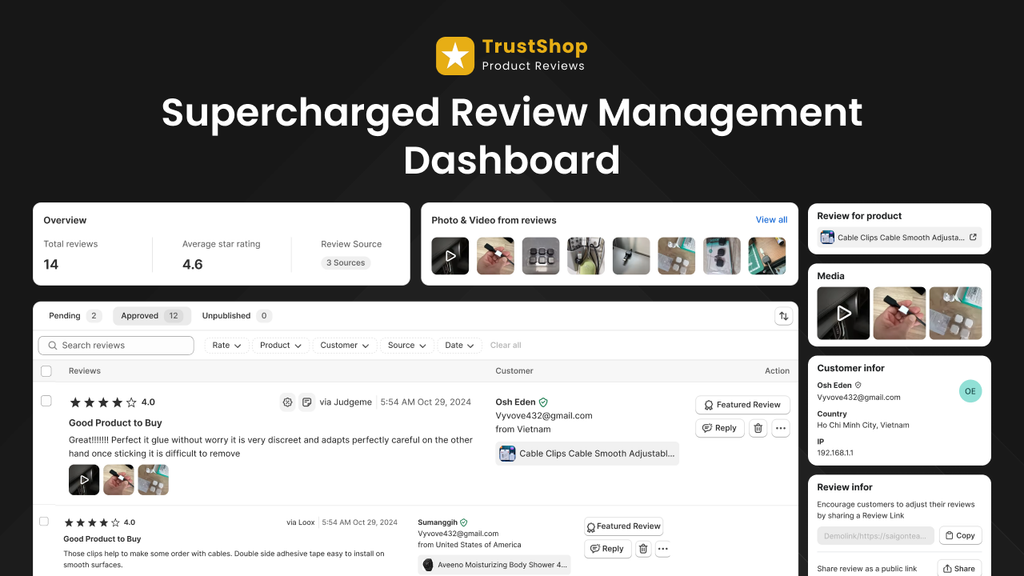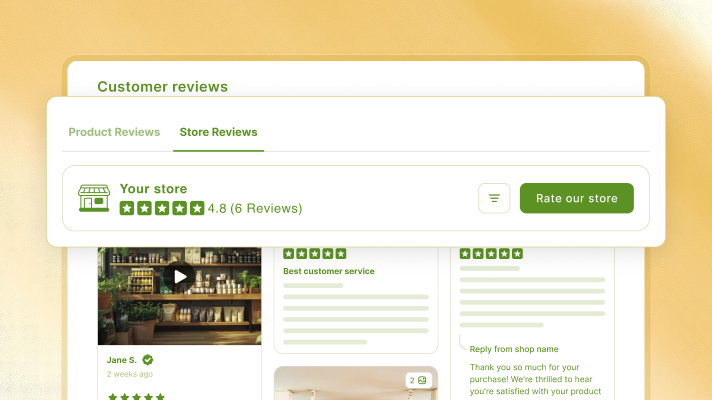



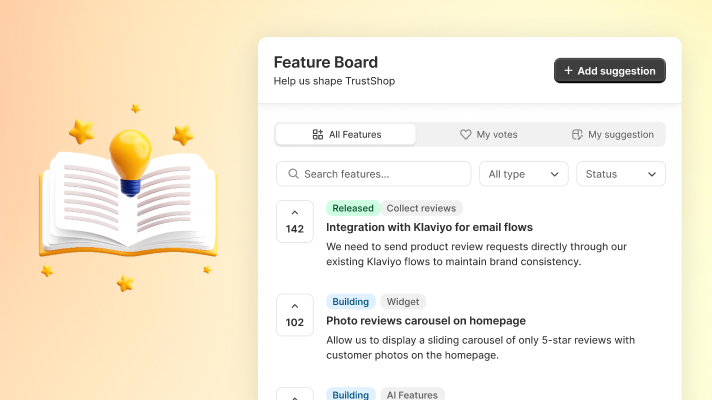
TrustShop 4.5 introduces the Feature Upvote Board — a dedicated space where you can suggest features, vote on ideas from the community, and track what’s coming next.
New Feature: Feature Upvote Board
You are the reason we build TrustShop. Your feedback shapes the product, so we want to make it easier to share. With the Feature Upvote Board, every merchant has a direct line to our roadmap. You can suggest what you need, vote on what matters most, and see your ideas move forward.
How to access
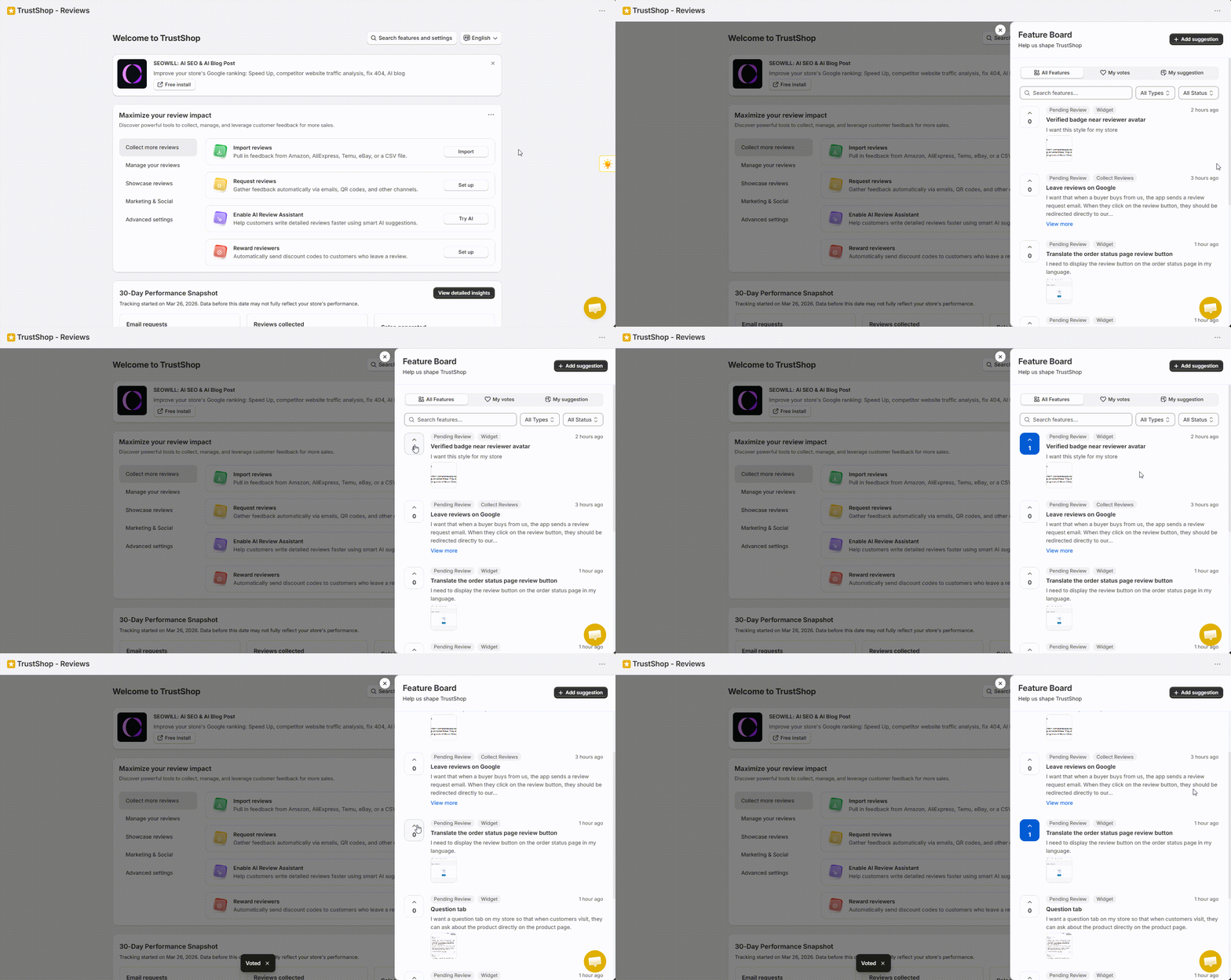
- Open the TrustShop – Reviews app from your Shopify admin.
- On the app homepage, click the Bulb icon (Vote on what we build next) on the left-hand side.
What you can do
- All Features — Browse all community suggestions. Then, click Upvote on any feature you would like to see built.
- My Votes — Track the status of features you’ve voted on.
- My Suggestions — View all ideas you have submitted so far.
How to suggest a feature
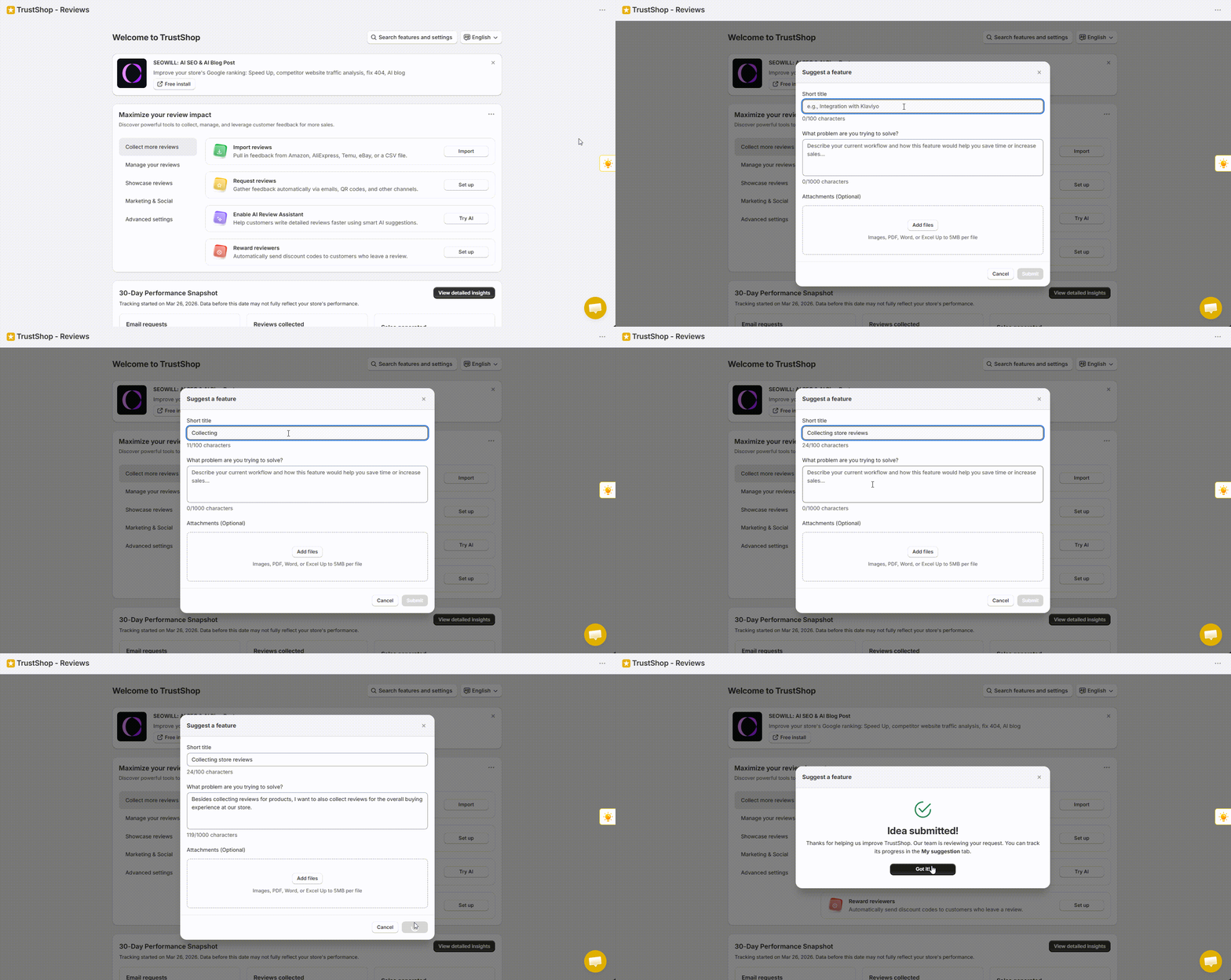
- Click Add suggestion.
- Write a title, add details, and attach a file if needed.
- Your suggestion goes directly to our inbox. Once approved, it will appear on the board and be open for voting.
Note: Suggestions are reviewed before publishing to ensure they meet our community guidelines. Suggestions may be edited or translated for clarity. In addition, attachments containing personal information will not be displayed.
Other improvements
- Review detail & media modal redesign — Updated UI for the Review Detail modal and All Media modal: cleaner, more modern, and consistent across your store.
- Load more reviews behavior — Choose how the “Load more” button acts: Load more in-place expands the review list directly on the page, or Open in a modal opens a focused popup to minimize page clutter.
Have questions or feedback? Contact us anytime at [email protected].