


You set up your Shopify store, added products, maybe even ran some ads. But days turn into weeks — and still no sales.
It’s completely normal for new stores to struggle early on. And the fix is almost never “spend more on ads.” It’s usually a handful of fixable mistakes silently killing your conversions.
Here are the 7 most common ones — arranged in the order your customer experiences your store — and exactly how to fix each.
Think Like Your Customer
Before diving into the fixes, here’s the most important mindset shift you can make: put yourself in your customer’s shoes.
Visit your own store as if you’ve never seen it before. Would you trust this site enough to enter your credit card? Is it clear what makes these products worth buying — and is the price, including shipping, something you’d actually be willing to pay?
If you wouldn’t buy from your own store, your customers won’t either.
Apply this test to every fix below.
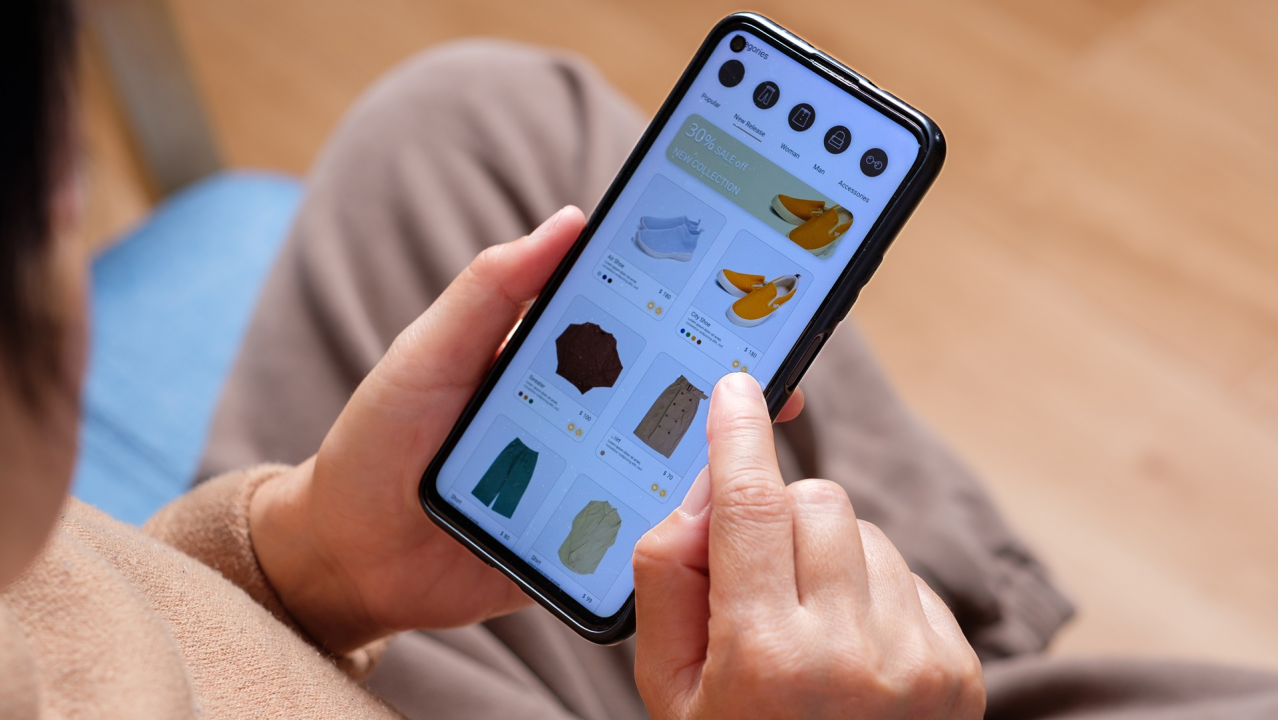
1. Homepage Doesn’t Communicate Value
Your homepage has about 3 seconds to answer one question: why should I buy from this store?
Most new stores just show a grid of products with no context, no story, and no reason to stay. If a visitor can get the same product cheaper and faster elsewhere, you need to immediately show them why your store is different.
Fix it:
- Write a clear value proposition. Replace generic “Welcome to our store” with something specific and benefit-driven. For example, “Small-batch skincare made with organic ingredients — because your skin deserves better than mass-produced” instantly tells visitors what you sell and why it matters.
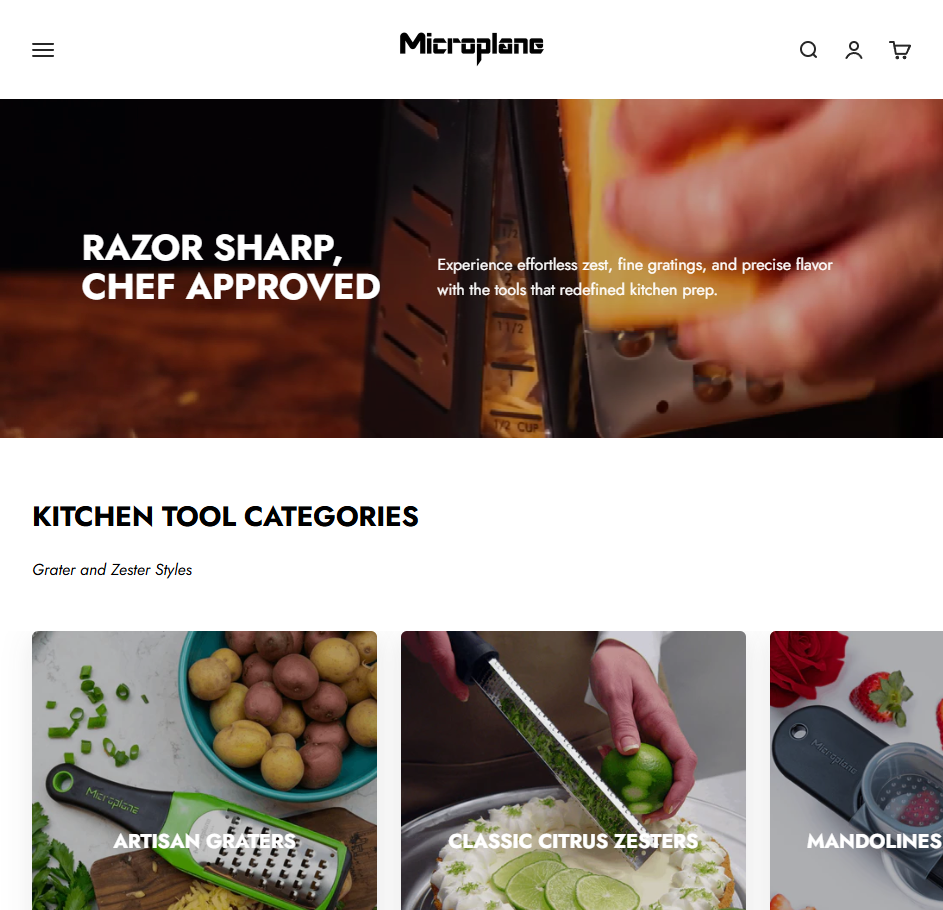
- Tell your brand story. A short section explaining why you started and what makes your products different. This is what separates your store from commodity products on Amazon.
- Use strong visuals. Add a hero image or video that shows the product in real life — not just a product grid. Lifestyle imagery helps visitors picture themselves using the product.
2. Traffic Is Low or Irrelevant
Getting sessions doesn’t mean getting customers. Some of that “traffic” is just Shopify bots and your own visits from editing the store. Even real traffic won’t convert if it’s the wrong audience.
Fix it:
- Filter out fake sessions. Exclude bot traffic and your own visits in analytics so you’re working with real numbers.
- Stop running broad, untargeted ads. Remember, 500 interested visitors beat 50,000 random ones. Instead, target narrowly based on your actual customer profile.
- Try niche micro-influencers. They deliver some of the highest ROI in ecommerce right now because their audience already trusts their recommendations. One relevant post can outperform hundreds of dollars in ad spend.

3. Store Looks Unprofessional
If your store looks cluttered, buggy, or cheap, visitors leave before looking at a single product. And they definitely won’t enter payment information.
Fix it:
- Get a custom domain. Selling from yourstore.myshopify.com tells customers you’re not serious. A custom domain costs around $50/year and is the bare minimum for looking legitimate.
- Keep design clean and consistent. Use a cohesive color palette, readable fonts, and enough contrast so text is easy to read.
- Make sure it works on mobile. Over half of ecommerce traffic comes from phones. If your layout breaks on mobile, you’re losing those customers.
- Remove aggressive popups. If you hate being bombarded with popups when you shop online, so do your customers. Limit to one well-timed popup at most.
- Speed up your site. Compress images, keep homepage under 1MB, and uninstall apps you’re not actively using. Every installed app adds scripts that slow your store down.

4. Product Pages Don’t Convince
This is where the buying decision happens. Too many stores treat product pages like spec sheets instead of sales pitches. A product name like “Candle” with a stock photo and a one-line description gives customers zero reason to choose you.
Fix it:
- Write benefit-focused descriptions. Don’t just list specs — explain why it matters, how it feels, and when to use it. For example, instead of “Soy candle, 250g”, try “Hand-poured soy candle with warm vanilla and cedarwood — fills your living room in minutes and burns for 40+ hours.”
- Use real product photography. Drop the generic mockup images. Show the actual product from multiple angles, and include lifestyle shots of it in use.
- Give products descriptive names. “Warm Vanilla Cedarwood Soy Candle — 40hr Burn” is better for customers and for SEO than just “Candle.”
- Include practical details. Sizing guides, ingredients, care instructions, usage tips — whatever helps the customer feel confident about what they’re buying.
- Add a “What makes this special” section. If you source unique materials, use a specific process, or have an origin story, highlight it. This is what differentiates you from mass-market alternatives.
5. No Trust Signals or Social Proof
This is the silent conversion killer. You know your business is real, but your customers don’t. No reviews, no clear policies, a Gmail contact address — would you buy from this store?
Fix it:
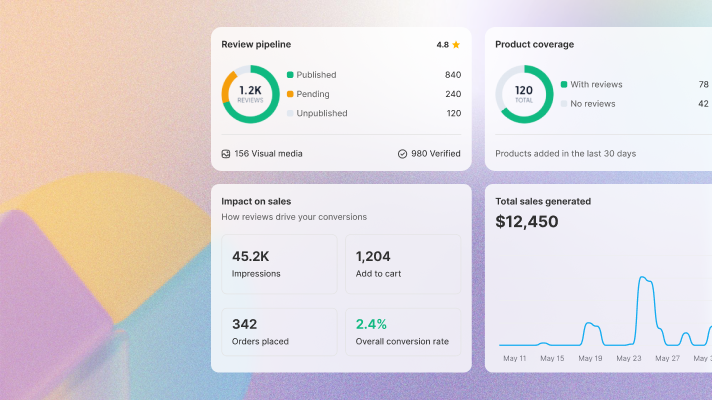
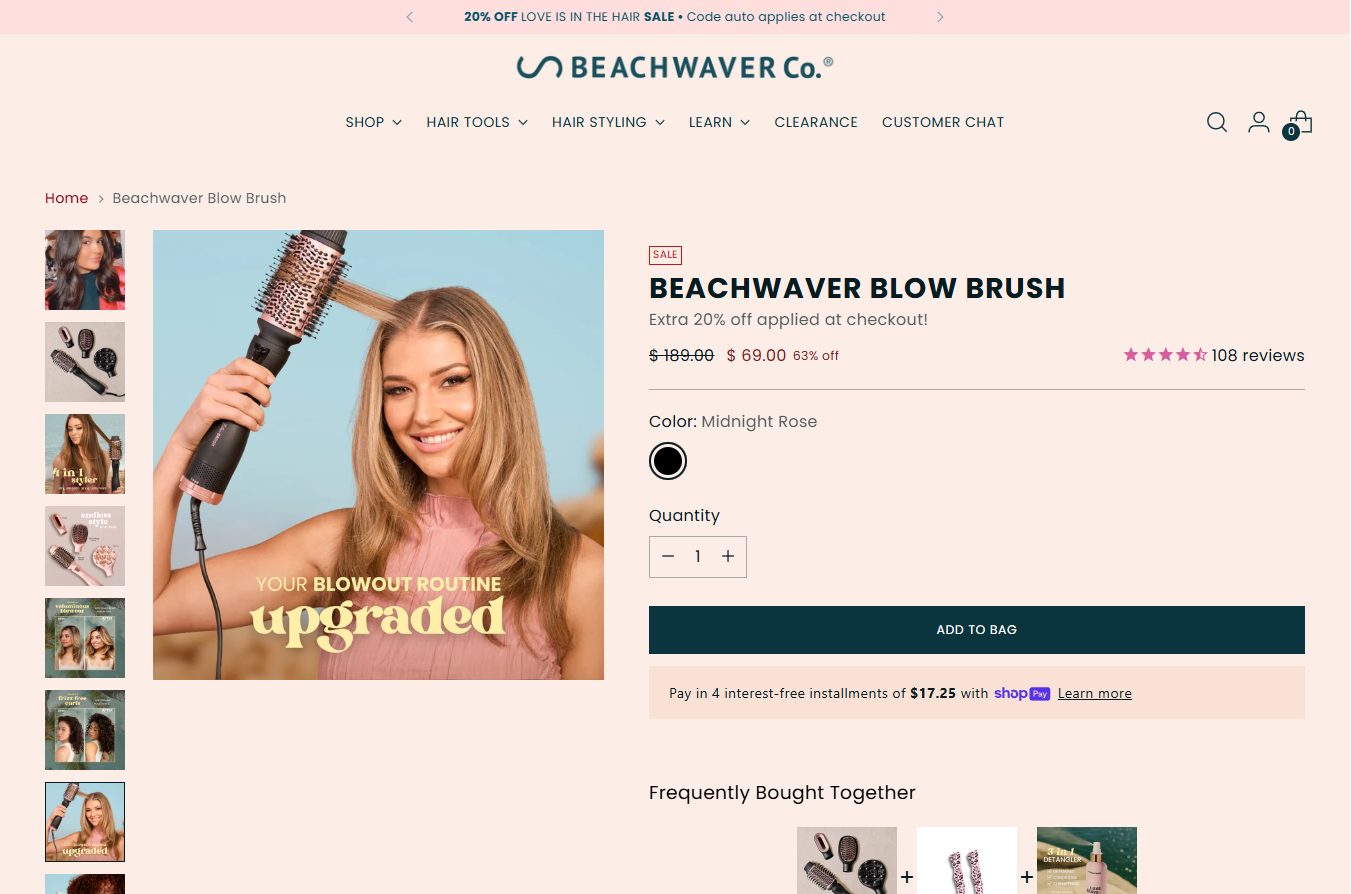
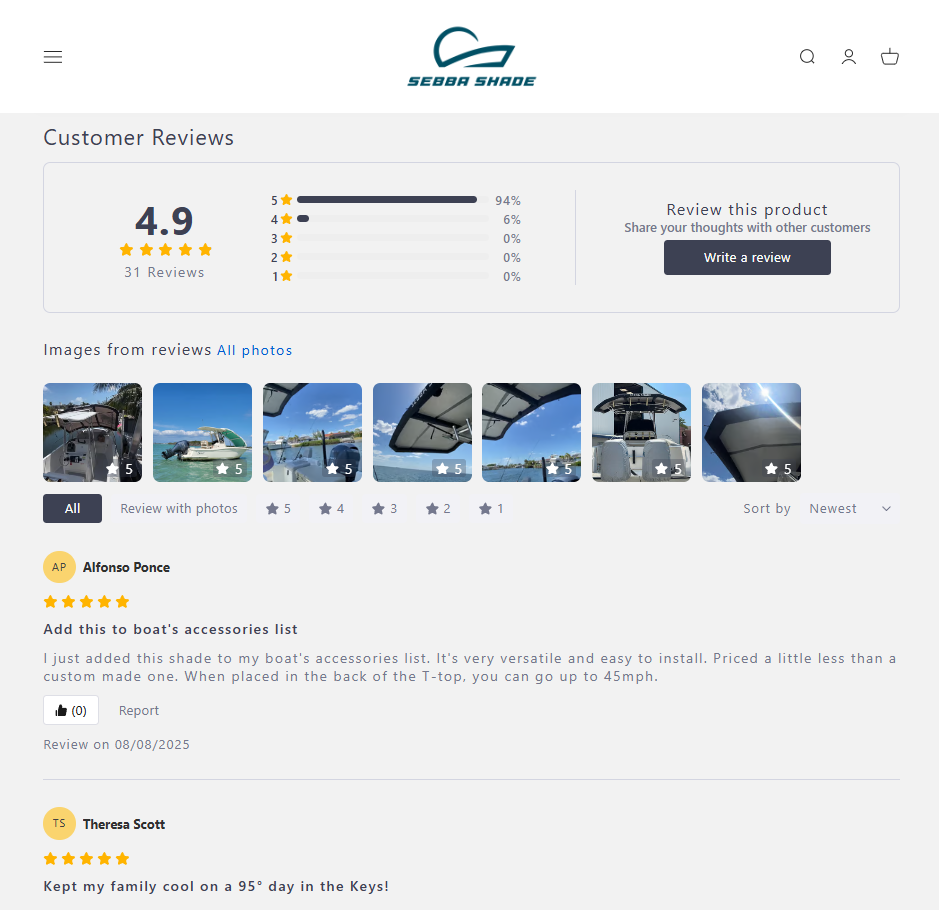
- Add customer reviews. This is the single most effective trust signal for ecommerce. Real reviews with photos and videos give hesitant buyers the confidence to purchase.
- Write clear policies. Shipping, returns, and refunds should be easy to find and easy to understand. Missing policies are a major red flag for new visitors.
- Add trust badges. Secure payment badges and accepted payment icons reassure customers that their information is safe.
- Create a real About Us page. Share your story, show your face, include real contact information. People buy from people they trust.
- Use a professional email. [email protected] — not [email protected]. A free email address on a store that asks for credit card information doesn’t inspire confidence.
- Show user-generated content. If customers are posting about your product on social media, feature it on your store. UGC is incredibly persuasive because it’s authentic.

Starting from zero reviews?
TrustShop lets you import existing reviews from marketplaces or your previous app for a fast start, then scales with automated email requests. Showcase photo and video reviews across your store to drive sales.
6. No Reason to Buy Now
A visitor browses, thinks “looks nice,” and leaves. No urgency, no incentive, no reason to buy today instead of “maybe later.” And “maybe later” almost always means never.
Fix it:
- Offer a first-order incentive. 10% off or free shipping over a threshold gives hesitant buyers the nudge they need. Also, if you offer free shipping, make it visible everywhere — don’t bury it in the FAQ.
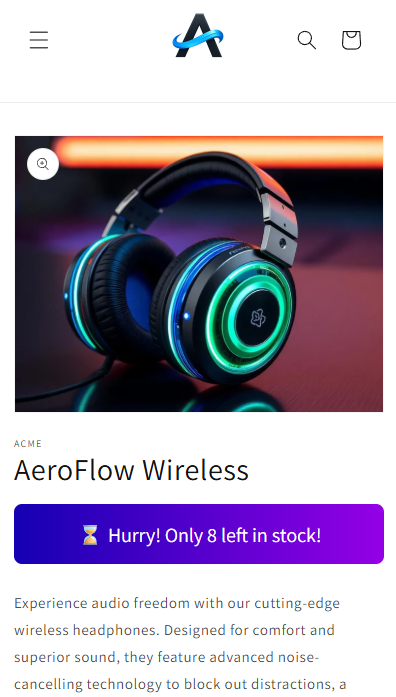
- Highlight limited availability. If stock is genuinely running low or a promotion is ending soon, let customers know. But keep it honest — fake urgency erodes trust fast.
- Run an introductory sale. The goal isn’t just revenue — it’s getting real first customers who leave real reviews. Sometimes the first few sales are about building momentum, not margin.
- Simplify checkout. Make checkout frictionless. A complicated checkout gives customers time to second-guess their decision. Keep it simple, show all costs upfront, and remove unnecessary form fields.
7. SEO and Performance Are Neglected
If search engines can’t find you and your site loads slowly, you’re losing customers before they even arrive.
Fix it:
- Write meta titles and descriptions. Fill these in for every page and product, since they’re what show up in Google search results — missing or generic meta tags mean missed traffic.
- Compress all images. Large images are the most common cause of slow loads. Use modern formats like WebP and keep total homepage size under 1MB.
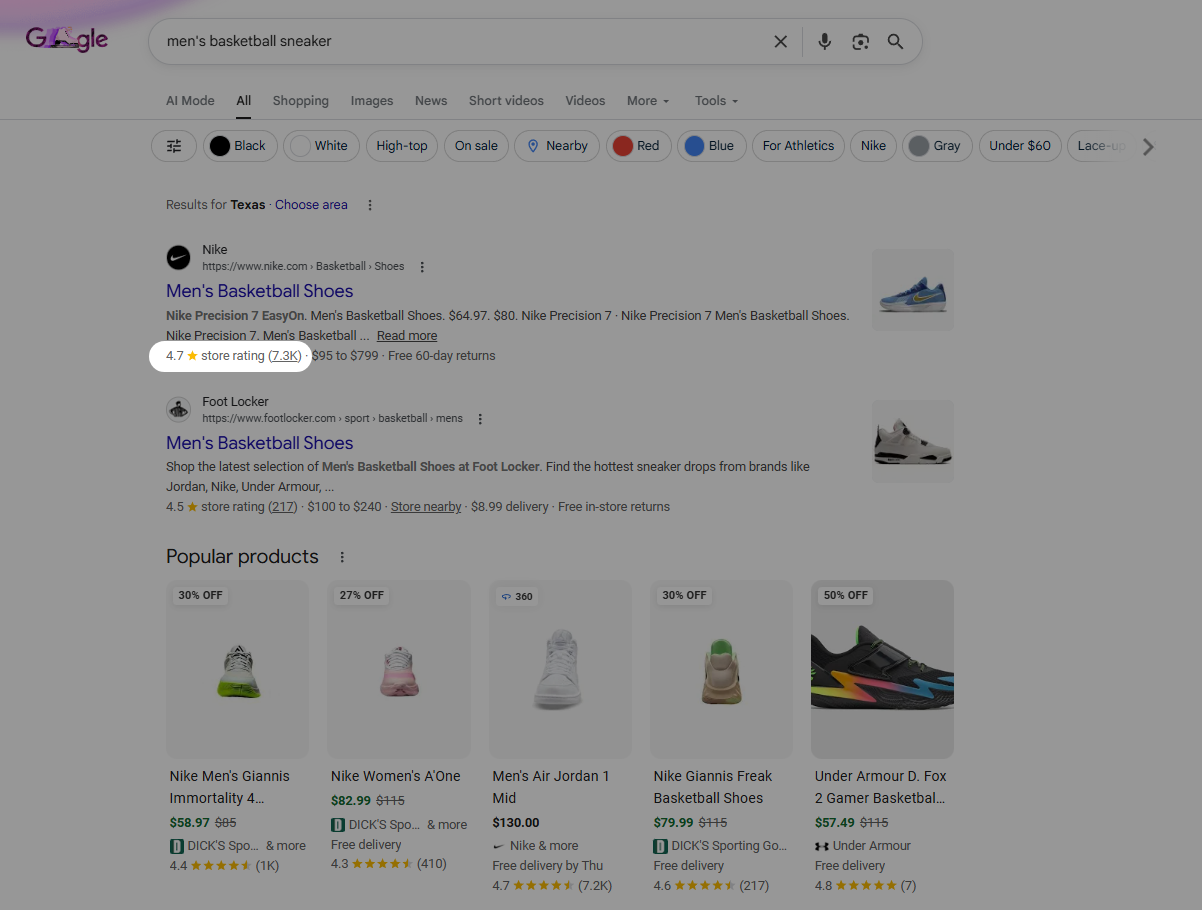
- Add review rich snippets to Google search results. Star ratings in search results increase click-through rates significantly. TrustShop automatically adds structured data to your product pages so your reviews appear as rich snippets in Google.
- Write unique product descriptions. If you’re copying manufacturer text, so is every other store selling the same product. On the other hand, unique copy helps you rank higher.
- Uninstall unused apps. If you’re not actively using an app, remove it. After all, performance matters more than features gathering dust.
Bonus Tips
- Remove sold-out products from your storefront — a store full of “Sold Out” labels looks inactive and discourages browsing.
- Create educational content about your products (usage guides, ingredient breakdowns, styling tips) to build authority and drive organic traffic.
- Get a professional email on your custom domain — it’s a small detail that makes a big difference in perceived legitimacy.
Final Thoughts
Don’t spend more on ads until the fundamentals are right. Go through this list, fix the biggest gaps first, and test.
When the right customer lands on your store, everything should work together to convert them. The sales will follow.