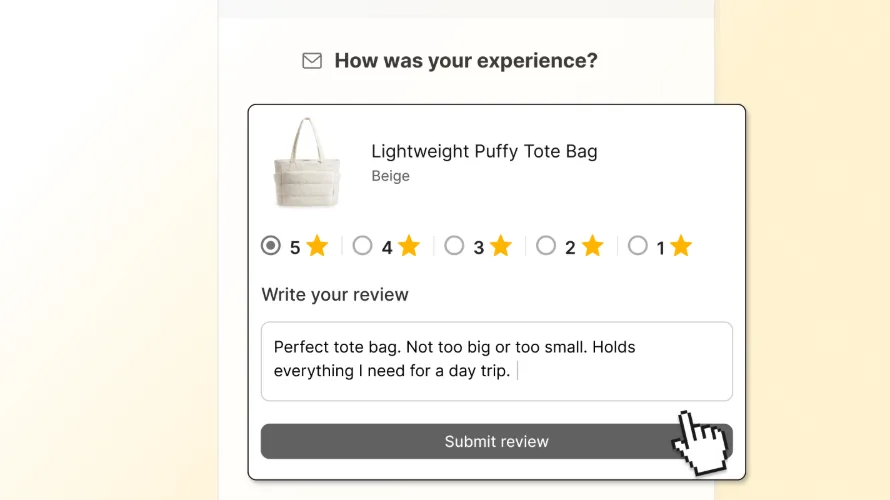




Customer testimonials are one of the most effective ways to build trust and drive conversions on your Shopify store. When potential buyers see real feedback from real customers, it removes doubt and motivates them to purchase.
This guide walks you through the types of testimonials you can use, where to place them for maximum impact, how to collect them, and how to set everything up with TrustShop.
What Is a Customer Testimonial?
A customer testimonial is an endorsement from a satisfied buyer that vouches for the value of your product or service. Unlike marketing copy you write about yourself, a testimonial is social proof — a real customer telling potential buyers that your product is worth it.
A great testimonial builds brand trust, validates the purchase decision for hesitant shoppers, and attracts new customers through authentic experiences.

Why Customer Testimonials Matter
They build trust instantly. Most online shoppers can’t touch or try your products. Testimonials let previous buyers speak on your behalf, reducing the perceived risk of purchasing.
They increase conversions. Products with reviews convert at significantly higher rates than those without. Testimonials placed at key decision points give shoppers the push they need to buy.
They improve SEO. Customer-generated content adds fresh, keyword-rich text to your pages, which search engines value.
They reduce returns. When customers read detailed reviews before buying, they set more accurate expectations — leading to fewer surprises and fewer returns.
Types of Testimonials
Text quotes — The most common format. Easy to collect, easy to display, effective at scale.
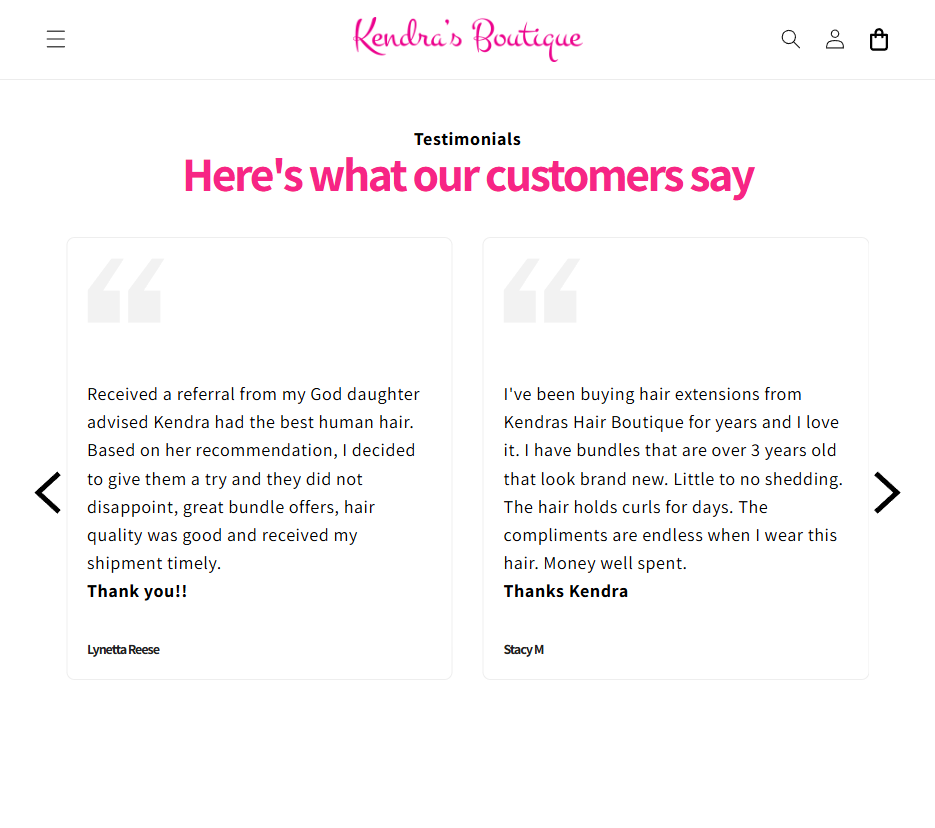
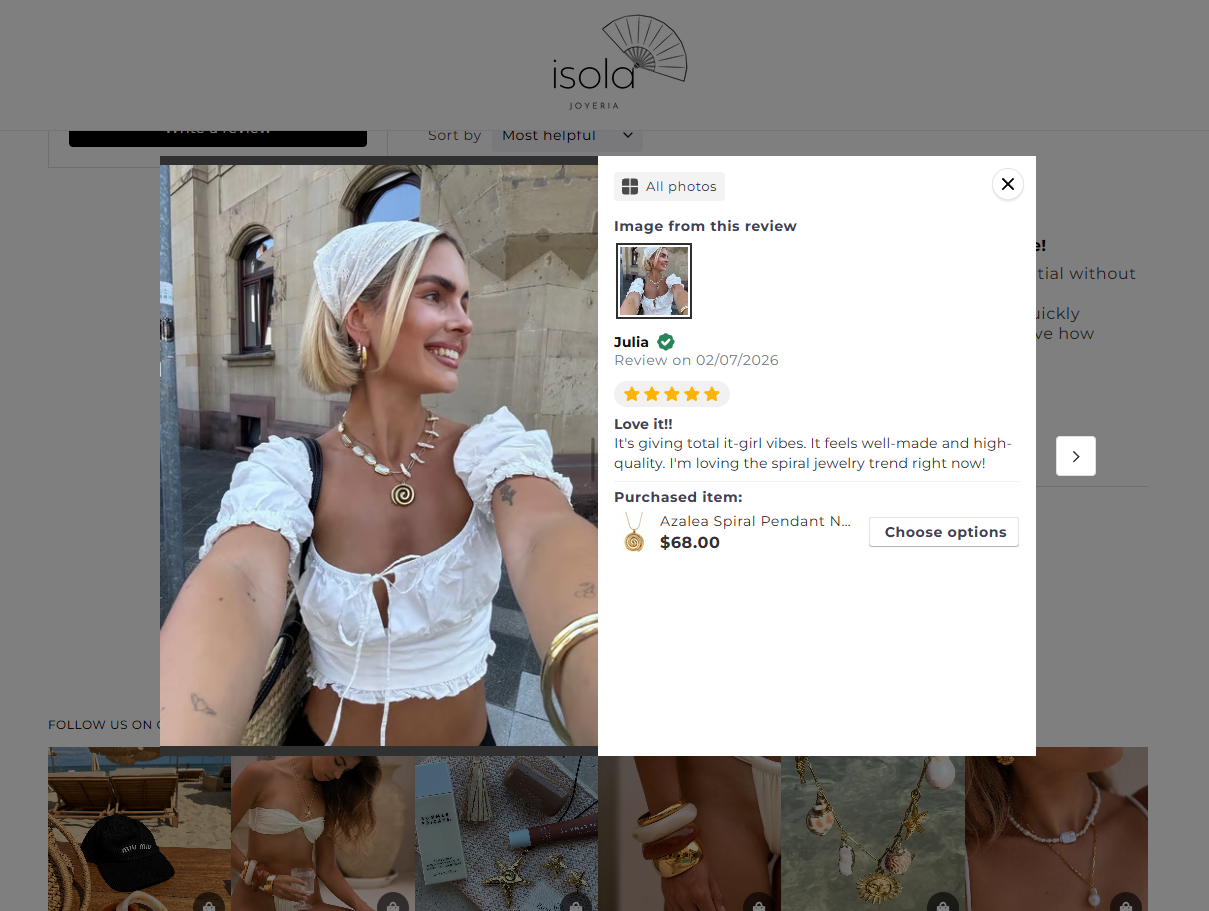
Photo reviews — Customers attach real photos of the product in use. Especially powerful for fashion, beauty, and home decor where visual proof matters.
Video reviews — The highest-impact format. Seeing a real person talk about their experience is incredibly persuasive.
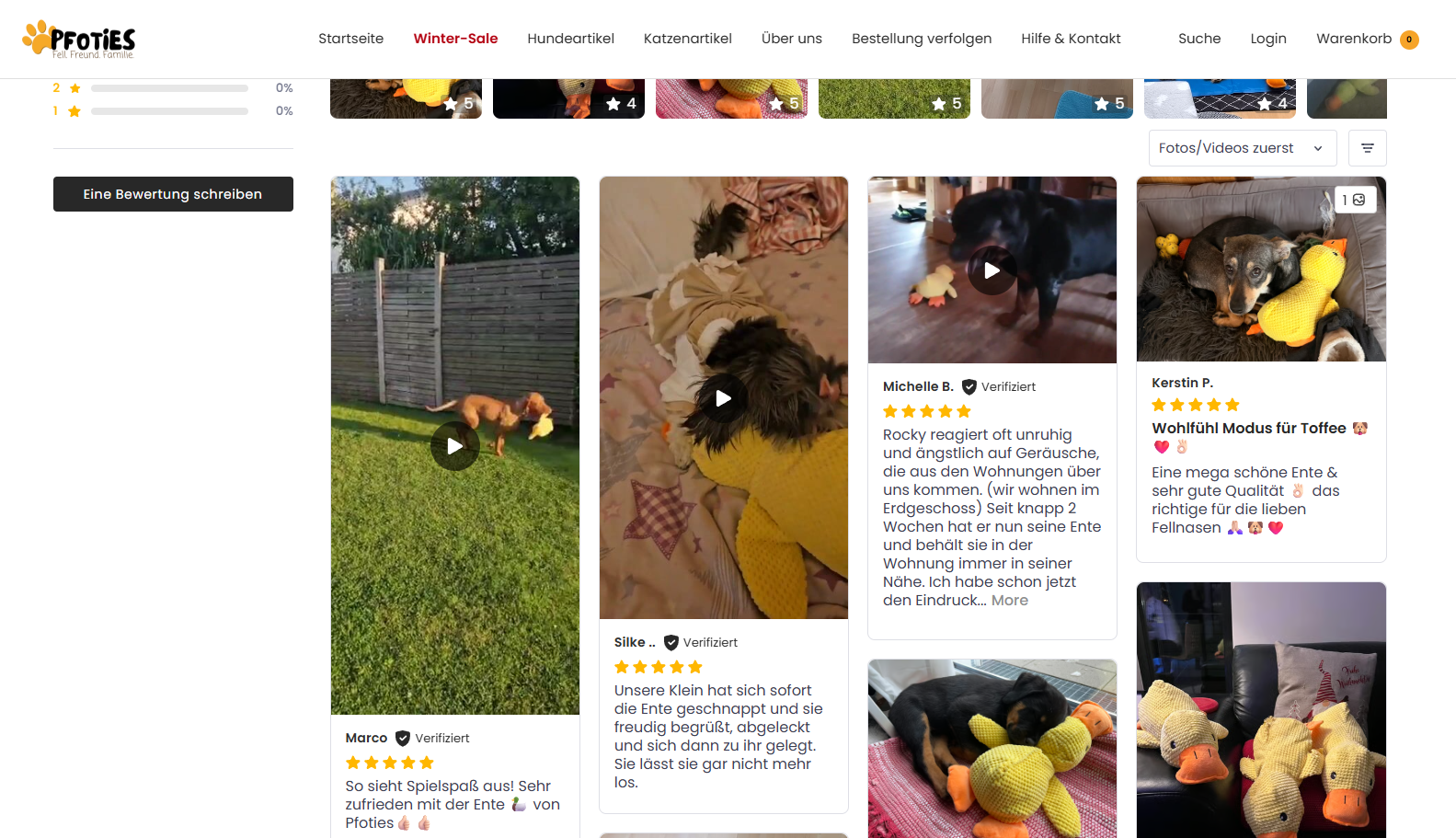
User-generated content (UGC) — Instagram posts, TikTok videos, or unboxing reels that customers create organically. Feels especially authentic because it’s unprompted.

Where to Place Testimonials on Your Store
Collecting testimonials is only half the work. Placing them at the right touchpoints across the buying journey is what drives results.
Homepage
Your homepage is the first impression. A testimonial carousel featuring your best reviews, photo testimonials, or video reviews immediately signals credibility — especially for first-time visitors who haven’t heard of your brand yet.
Product page
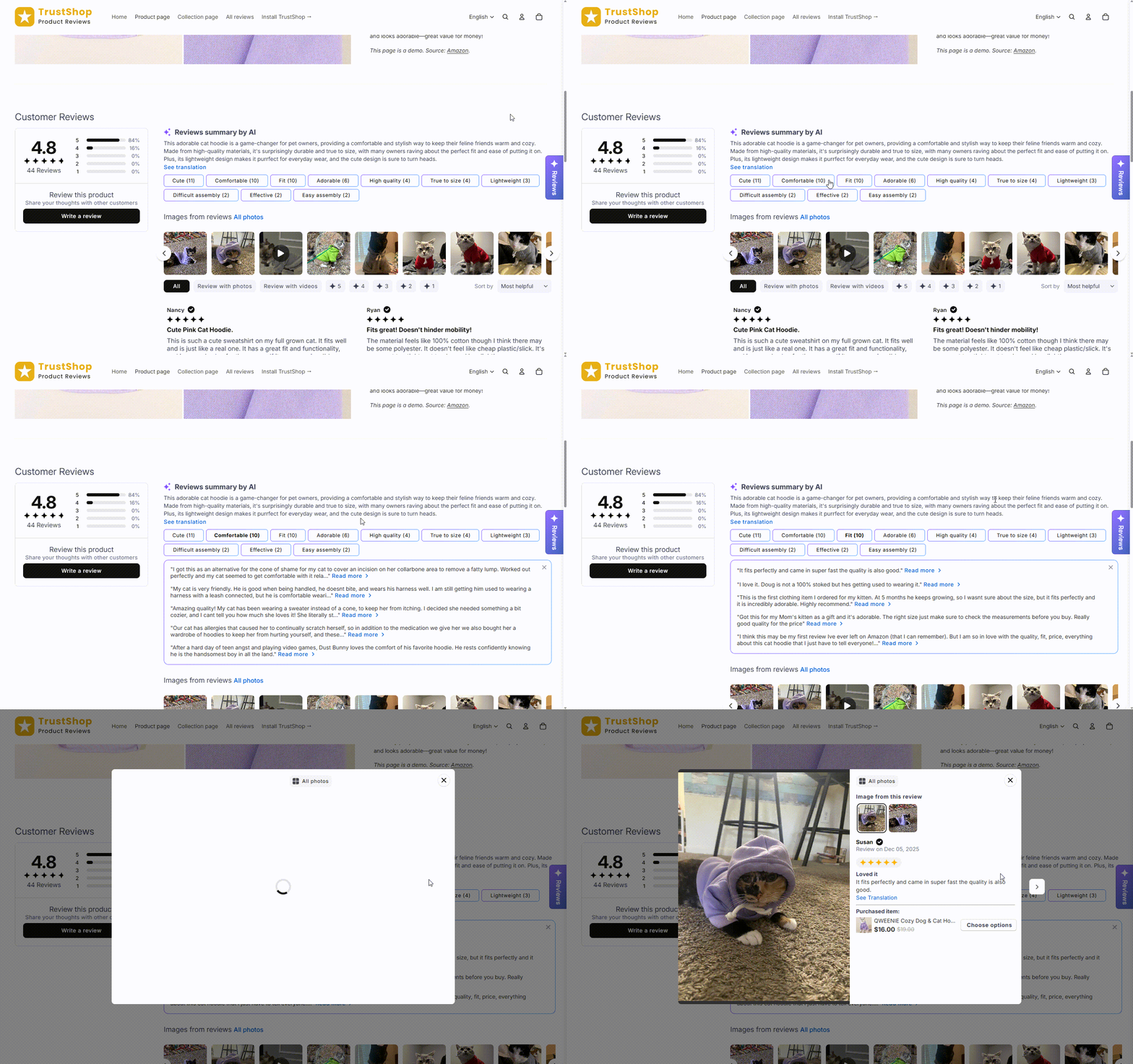
This is where testimonials have the greatest impact on conversions. A reviews section lets shoppers dive into real feedback from other buyers before making a decision.
You can also add a review snippet near the Add to Cart button — a star rating or highlighted quote right next to the purchase action. It places social proof exactly where the decision happens.
Consider using AI-generated review summaries and frequently mentioned tags (e.g., “true to size,” “great quality”) to help customers quickly find the feedback that matters to them.
Cart page
Cart abandonment is a major challenge, and last-minute hesitation is a common cause. Showing recent, highly-rated reviews for products currently in the cart reinforces the customer’s confidence right before checkout.
Dedicated happy customers page
A centralized page featuring all your store’s reviews. Useful for customers still in the research phase, and works well as a landing page for ad campaigns or email marketing.
How to Collect Customer Testimonials
Ask your best customers directly
Your happiest customers won’t always leave a review unprompted. A personal message thanking them and asking for their feedback can yield detailed, high-quality testimonials.
Send automated emails after delivery
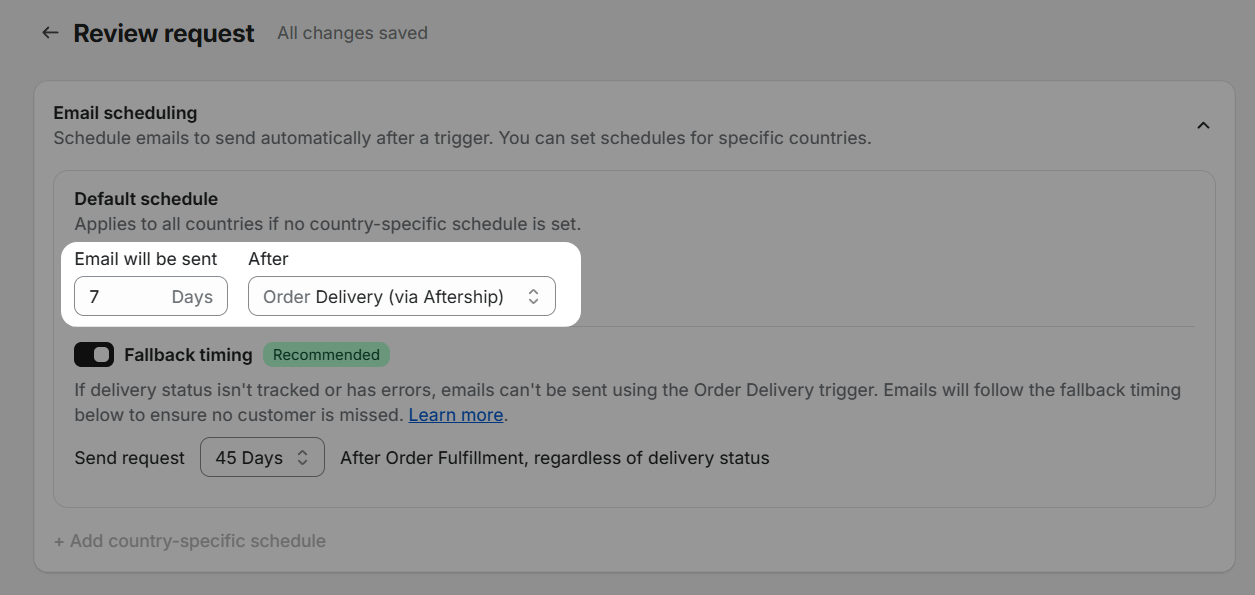
Review request emails are the most scalable method. After a customer receives their order and has time to use it, send an automated email requesting a review. Timing based on confirmed delivery works best.
Use QR codes on packaging or in-store
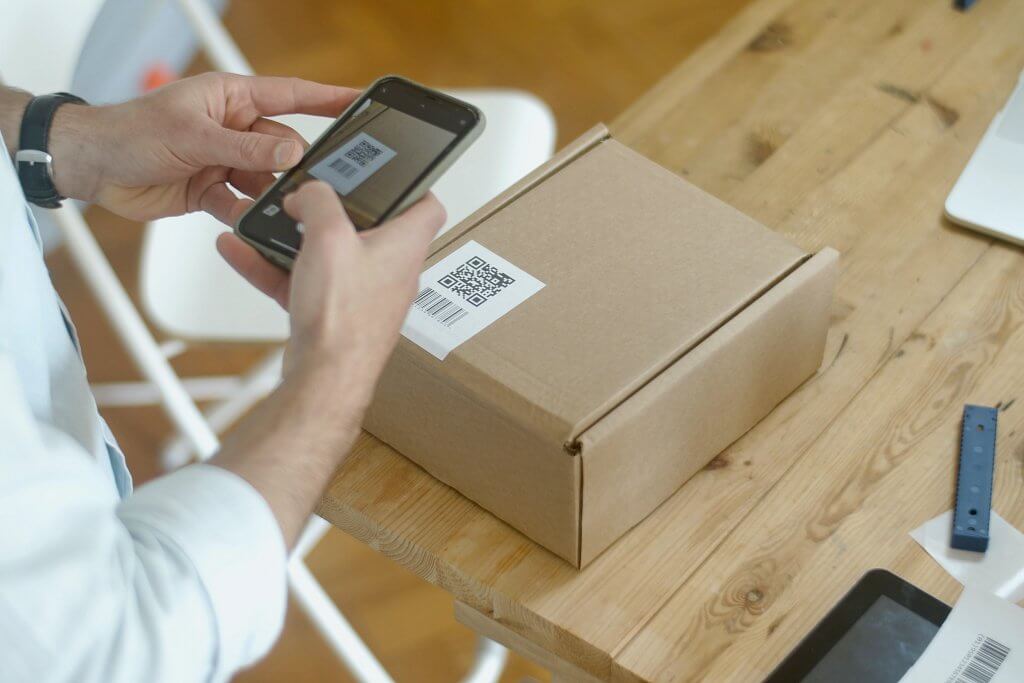
Print a QR code on your packaging or display it at your physical store. Customers scan and land directly on a review page — simple and frictionless.
Set Up Testimonials on Shopify with TrustShop
TrustShop is a leading product reviews app on the Shopify App Store that handles everything — from collecting reviews to displaying them across your store.
- Auto review request emails — Send automated emails after fulfillment or delivery with customizable templates and timing.
- Photo and video reviews — Let customers attach photos and videos when submitting reviews, then showcase them across your store.
- QR codes — Generate a QR code linking to your review page. Print it on packaging, card inserts, or display it in-store.
- Display templates for every touchpoint — TrustShop provides pre-built, mobile-friendly templates for homepage carousels, product page review sections, review snippets near Add to Cart, cart page reviews, and dedicated testimonial pages. All customizable to match your brand.