


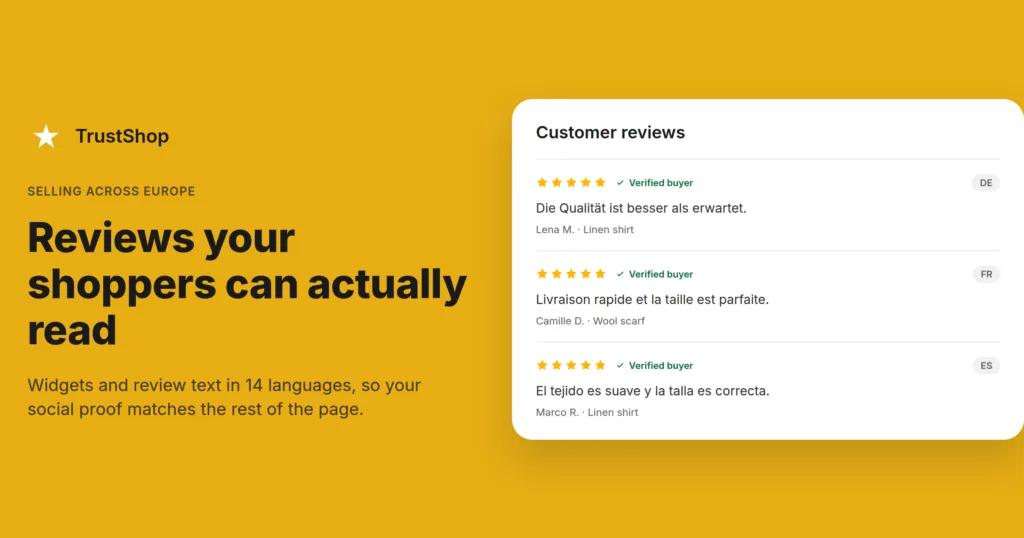
You translated your product pages into German, French, and Spanish. Your reviews are still in English, and they sit right above the Add to cart button.
Reviews are usually the last thing a shopper reads before paying. If that block is the only part of the page they cannot read, it stops doing its job. This guide covers what a multi-language review setup actually includes, what most stores miss, and how to set it up.
Why shoppers skip reviews they cannot read
People buy in the language they think in. In a survey of 8,709 consumers across 29 countries, CSA Research (2020) found that 76% of online shoppers prefer to buy products with information in their native language. Among people with no English skills, that number rose to 89%.
For a European store, this has a second effect. A shopper in Milan who sees an Italian product page and English reviews often reads it as a sign that the store is not really selling to Italy. The page was translated for them; the social proof was not. That gap makes a store feel further away than it is, at the exact moment the shopper is deciding whether to trust it with a card number.
There is also a practical problem. A shopper who cannot read a review cannot use it. Reviews answer the questions your product description does not: does this run small, is the fabric thin, did it arrive in a week. A shopper who skips the review block goes to checkout with those questions unanswered, or leaves to find the answer somewhere else.
The four layers of a multi-language review setup
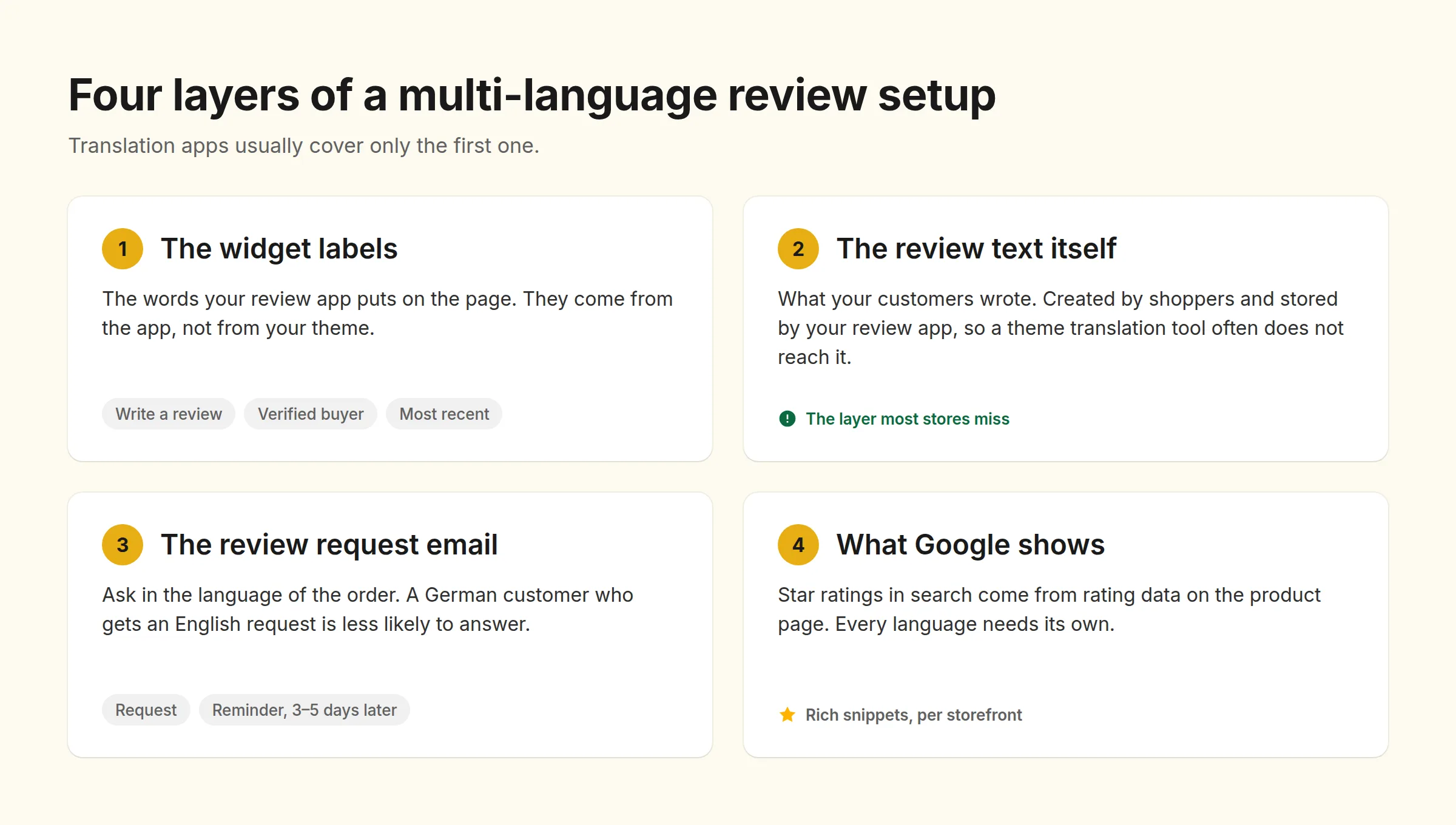
Most merchants think of this as one switch. It is four separate things, and translation apps usually cover only the first one.
1. The widget labels
The words your review app puts on the page: “Write a review”, “Verified buyer”, “Most recent”, “2 days ago”, “Was this helpful?”. These come from your review app, not your theme, so your review app has to supply them in each language.
2. The review text itself
What your customers wrote. This is the layer that gets missed. Review content is created by your shoppers and stored by your review app, so a theme translation tool often does not reach it. Before you assume your reviews are translated, open a product page in each of your storefront languages and read the review block. Many merchants only find out they have a problem months after launch.
3. The review request email
The email that asks for the review in the first place. A German customer who gets an English request email is less likely to open it, and less likely to answer. And when they do answer, they answer in German, which brings you back to layer 2.
4. What Google shows
Star ratings in search results come from structured data on your product pages. If you run separate domains or subfolders per language, each one needs the rating data on it, or your French pages show no stars while your English pages do.
What not to do
Do not pick one language for all of Europe. There is no European shopper. A store selling in Germany, the Netherlands, and Spain is selling to three sets of people with different expectations about delivery, returns, and how direct a review sounds.
Do not throw away the original text. If you show a translated review, keep the original available. Shoppers who speak the original language want to read the real words, and a review that only exists as a machine translation is harder to trust. Translate as an addition, not a replacement.
Do not translate the labels and stop there. A widget with German buttons and English reviews looks worse than one that is entirely in English. It reads as half-finished work, and it draws attention to the part the shopper cannot read.
Do not ask for reviews in a language the customer did not buy in. Your request email should match the language of the order. This is the cheapest fix on this list and it changes how many reviews you collect.
How to set it up, step by step
Step 1: Pick your languages from your orders, not from a map
Open your Shopify reports and sort your orders by country for the last 12 months. Most stores find that three to five countries produce almost all of the revenue. Start with those languages. Adding fourteen languages to a store that sells in four of them creates work and no sales.
Also check which language each market actually shops in. Shoppers in the Netherlands and the Nordics often buy comfortably in English, while shoppers in France, Italy, and Spain are far more likely to expect their own language. Your own order data beats any general rule here.
Step 2: Match the widget language to the storefront language
Your review widget should follow the language the shopper picked, the same way your menu and your checkout do. It should not be a separate setting the shopper has to find. If your review app can only show one language per store, that is a hard limit on how far you can sell.
Step 3: Turn on translation for the review text, and keep the original
Translate the review content so every shopper can read every review, and leave the original visible. Then read a few of the translations yourself, or have someone who speaks the language read them. Machine translation handles plain sentences well; it struggles with slang, sizing terms, and sarcasm. Spot-check the reviews on your bestsellers, because those are the ones shoppers actually read.
Step 4: Send the review request in the customer’s language
Set up a request email template per language and trigger it off the order’s language or country. Keep the same timing you use everywhere else: one request a few days after delivery, and one reminder 3–5 days later if there is no answer. For the wording, see our guide on review request emails customers actually answer.
Step 5: Add store reviews for cross-border trust
Product reviews answer “is this product good”. A shopper buying from another country is also asking “will this shop send my order, and what happens if I need to return it”. Store reviews answer that second question, and it matters much more when the shop is in a different country than the buyer.
How to do it with TrustShop
TrustShop was built for stores that sell in more than one language.
Widgets in 14 languages. The review widgets display in German, French, Spanish, Italian, Dutch, Danish, and Swedish, as well as English, Portuguese (Brazil), Hindi, Chinese (Simplified), Japanese, Vietnamese, and Māori. You choose the language your review widgets display in, so the review block matches the rest of the page.
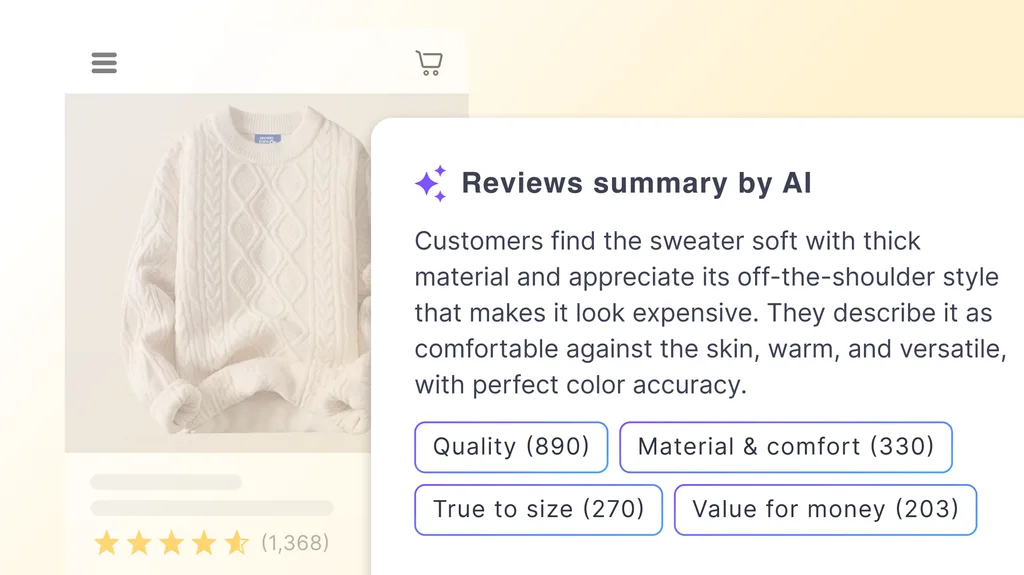
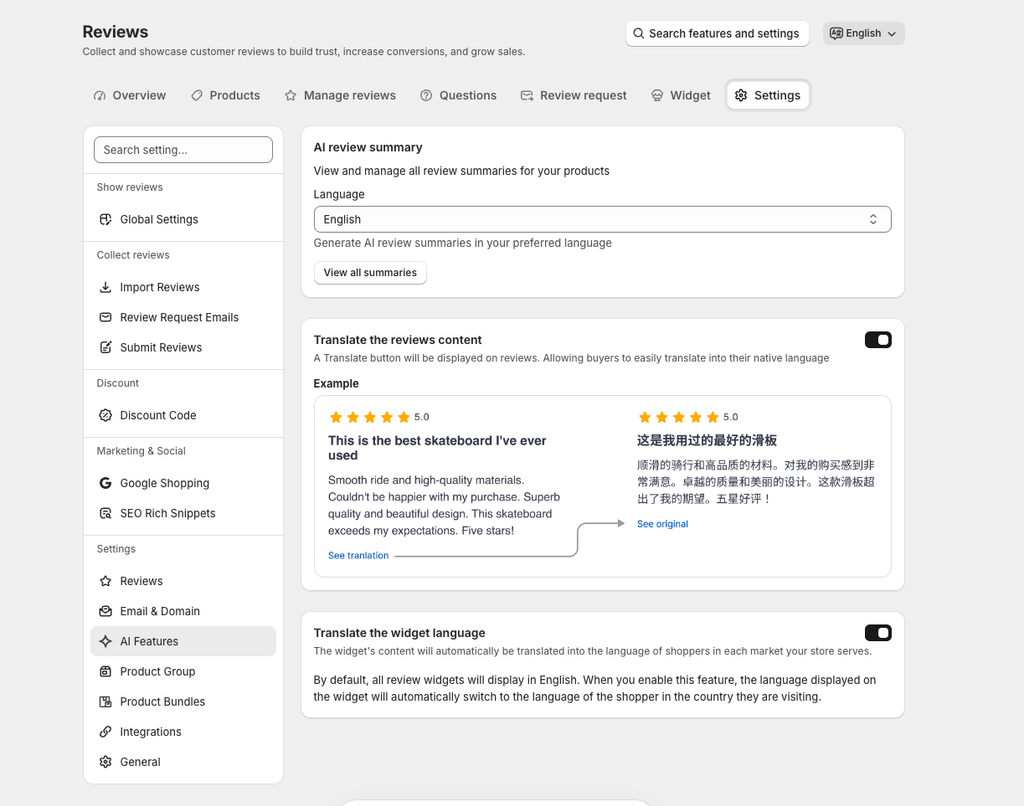
AI translation of reviews. On the AI-Powered plan, TrustShop translates review content as well as the widget, so a shopper reading your Italian storefront can read a review a German customer wrote. The AI review summary at the top of the widget follows the same language, which gives shoppers the short version first.
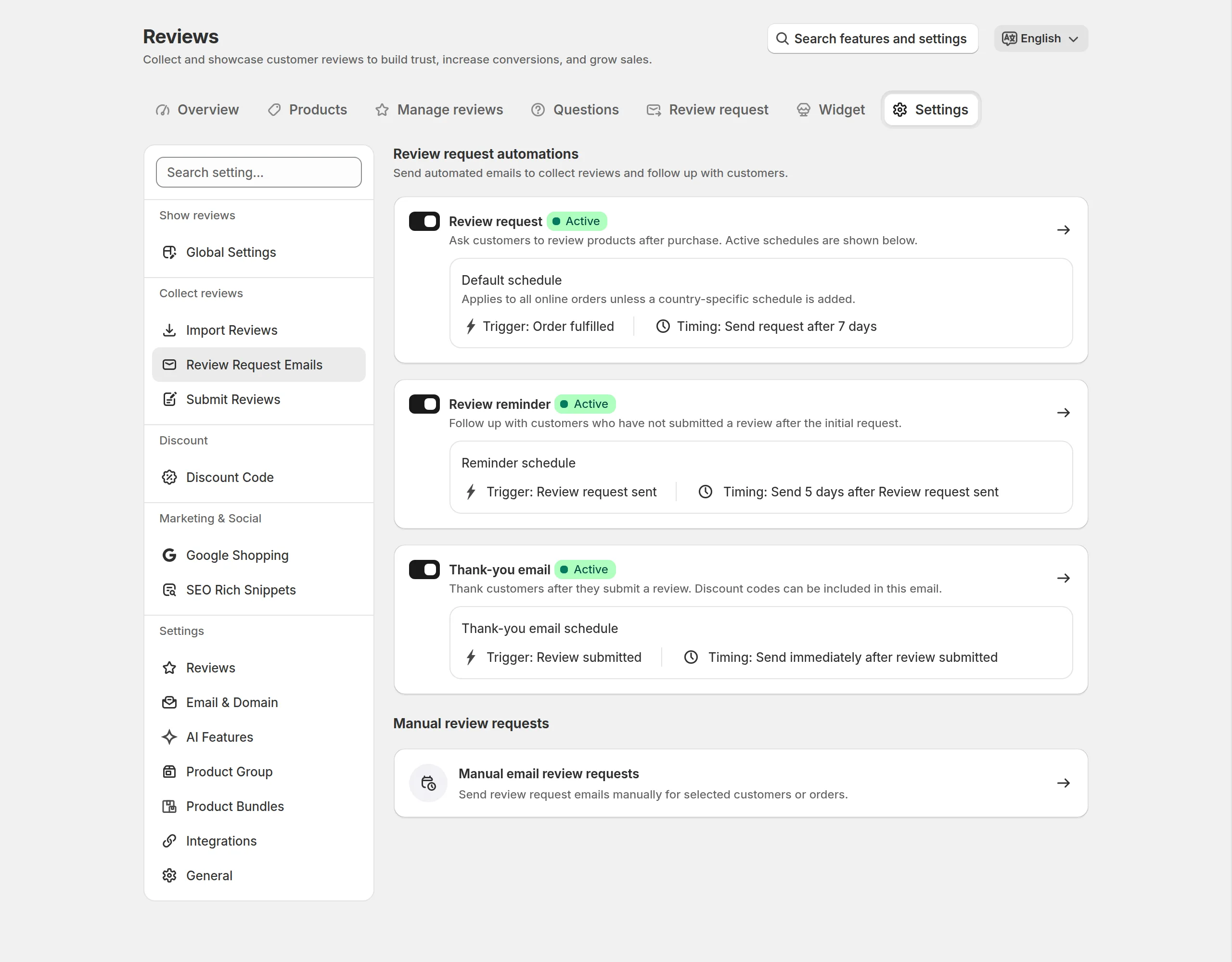
Multi-language review request emails. Review request templates come in several languages, so your German customers get a German email and answer in German. Review requests run on a default schedule for all orders, and you can add a schedule for a specific country on top of it, which lets you treat each market on its own terms.
Store reviews alongside product reviews. TrustShop collects reviews about the shop itself, not only about products, and shows them in their own widget or as a tab next to your product reviews. For a store shipping across borders, that is the proof that you ship and that you answer messages.
Star ratings in Google. TrustShop writes the rating data into your product pages for Google rich snippets, and supplies a product ratings feed for Google Shopping.
Reviews, store reviews, and the request emails are all in one app, which means one language setting to keep straight instead of three.
Final Thoughts
Translating your store is not finished until the reviews are translated too. The review block is the part of the page shoppers read most carefully, and it is the part most multi-language stores leave in English by accident.
Start small. Open your three biggest markets, look at a product page in each language, and read the review block as a shopper would. Whatever you cannot read is the work.
Turn Reviews Into Revenue. Collect, manage, and display high-converting reviews — built for Shopify merchants. Try TrustShop Free