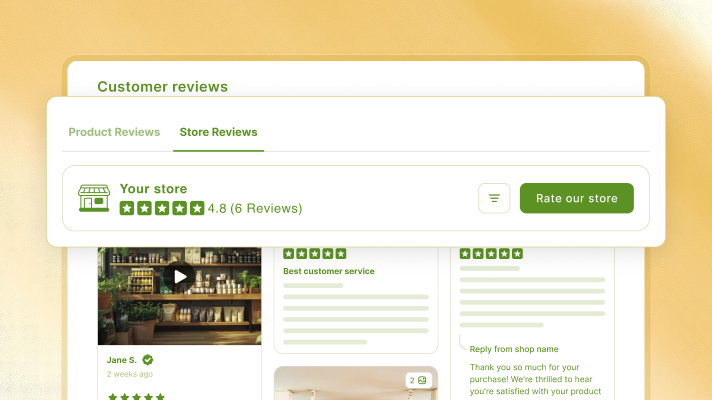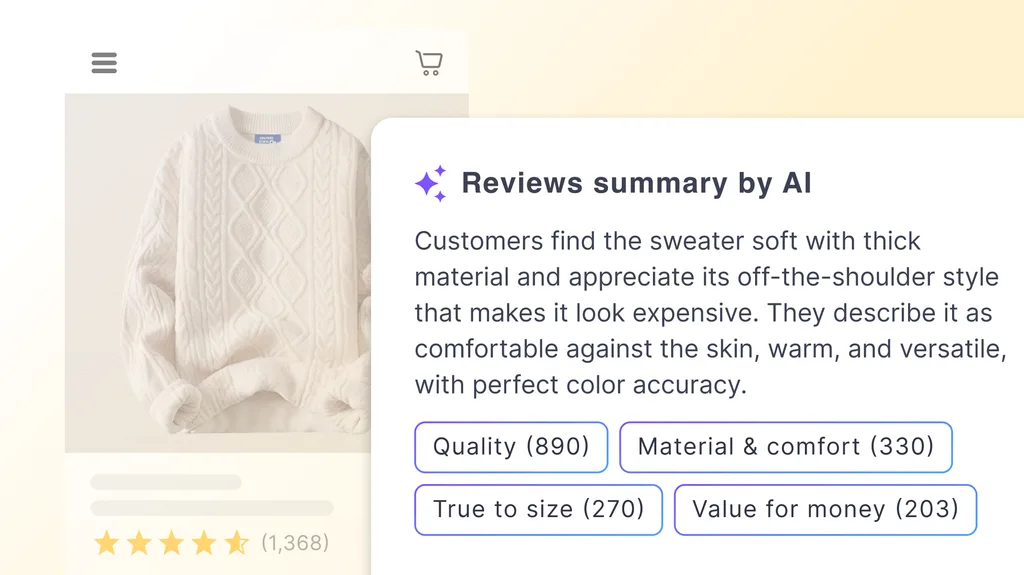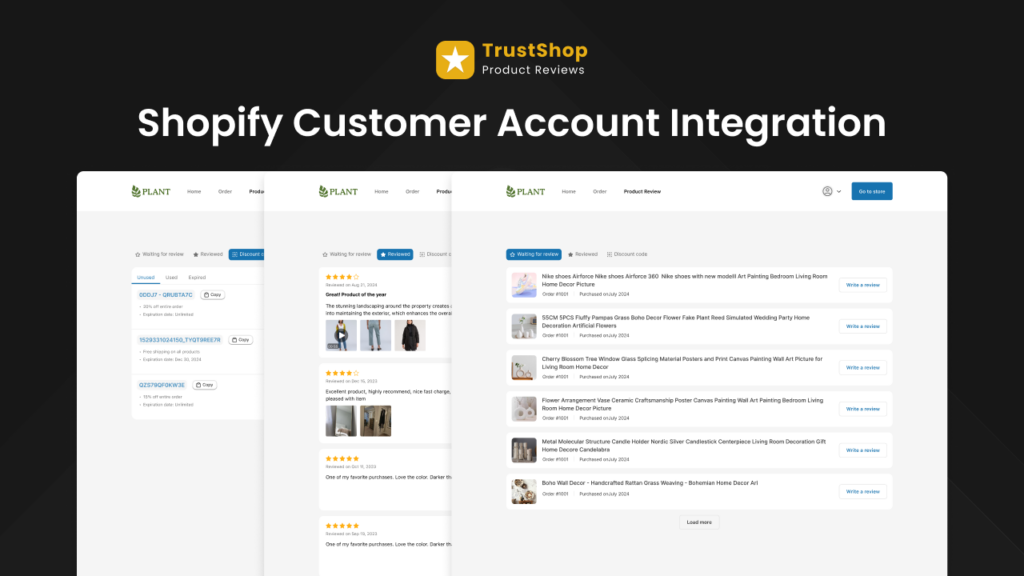




At TrustShop, we know that some of your most persuasive reviews aren’t on your store at all—they’re on Google. Years of happy customers have left glowing ratings on your Google Business Profile, praising your service, delivery, and product quality. The problem? Shoppers browsing your Shopify store never see them. That reputation stays stuck on Google Maps, doing nothing to convert the visitor who’s on your product page right now.
To bring that trust home—onto the pages where buying decisions actually happen—we’re thrilled to introduce our latest feature: Google Maps Reviews.
What is Google Maps Reviews?
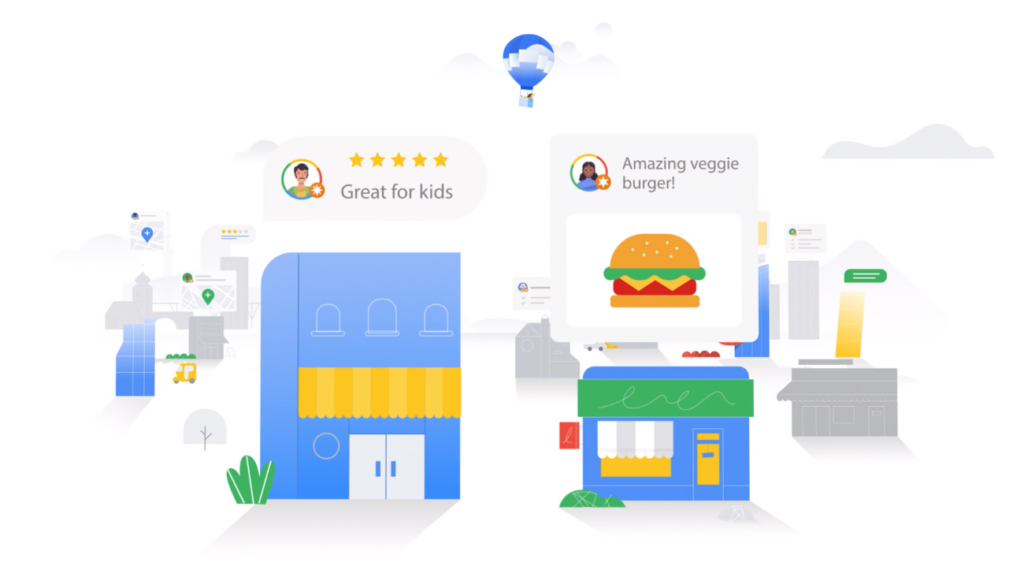
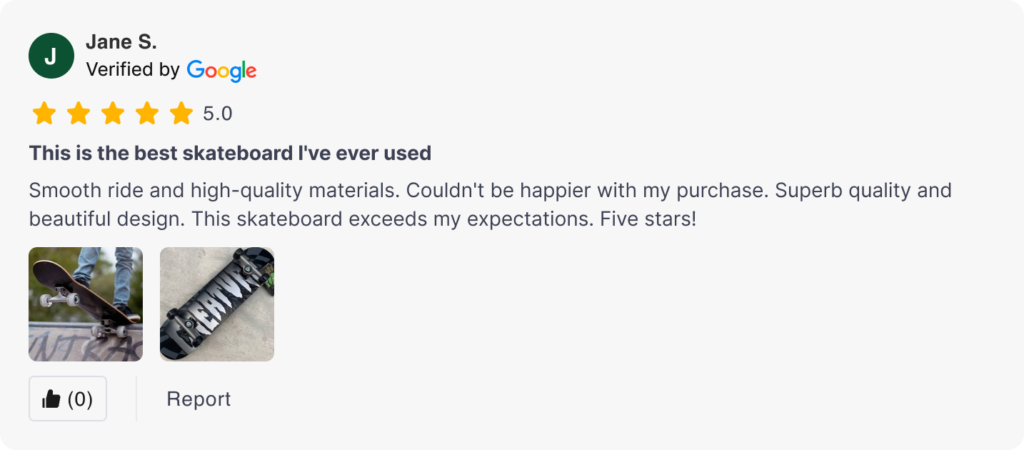
Google Maps Reviews lets you connect your official Google Business Profile and sync your verified Google reviews straight into TrustShop. Once connected, those reviews appear on your storefront alongside your product and store reviews, each carrying a Verified by Google badge that links back to the original review.
It’s a secure, one-way connection: TrustShop only reads your public review data and never modifies your Google Business Profile. Your reputation moves onto your store, exactly where it can build confidence and drive conversions.
Real Benefits of Google Maps Reviews for Your Store
1. Turn Your Google Reputation into On-Site Social Proof
The reviews you’ve earned on Google are some of the most trusted feedback you have—but they only help if shoppers can see them. By syncing them onto your store, you put that credibility in front of every visitor at the exact moment they’re deciding whether to buy, instead of hoping they go looking for it on Google.
2. Show Authenticity with a Verified by Google Badge
Trust hinges on authenticity. Every review synced from your Google account automatically displays a Verified by Google badge, signalling to shoppers that these are real, independently sourced reviews—not something you wrote yourself. Clicking the Google logo opens the original review on Google, so the proof is always one tap away.
3. Manage Multiple Locations from One Place
If you run more than one storefront or location, Google Maps Reviews has you covered. Your connected profile lists every location with its live rating and review count, so you can import reviews for each one—your flagship, your EU store, your local shop—all from a single dashboard.
4. Keep Reviews Fresh with Auto-Sync
Reviews don’t stop coming after your first import. Flip on Auto-Sync for any location and TrustShop keeps its reviews up to date in near real-time, so your storefront always reflects your latest ratings. Prefer manual control? Use Refresh Data to pull the newest reviews on demand.
Key Feature Highlights
- One-Click Google Connection: Connect your official Google Business Profile securely—TrustShop only accesses public review data and never changes your Google settings.
- Verified by Google Badge: Synced reviews display a Google-verified badge that inherits your existing display style from Global Settings and links back to the source review.
- Multi-Location Support: View every location’s rating and review count in one table, and import reviews for each independently.
- Auto-Sync & Refresh: Keep reviews current automatically per location, or refresh on demand whenever you like.
- Privacy-First by Design: A read-only connection to your public reviews—nothing on your Google Business Profile is ever modified.
Get Started Today
Ready to put your Google reputation to work on your store?
To activate: Go to Manage Reviews > Sync Google Maps Reviews (or Settings > Google Maps Reviews) inside your TrustShop admin app, then click Connect Business Profile and choose the locations you want to import.
As a customer-first company, we listen to merchant feedback to shape our roadmap and build TrustShop into a powerful tool that helps you run your business more effectively. Request a feature now.
Have questions or feedback? Contact us at [email protected]. Join our WhatsApp community to get the latest updates.