
Send a campaign to the right
customers, not to everyone
Pick a segment or build the filter on the spot, choose an approved template, preview it as a phone, then send now or schedule in your store’s time zone.
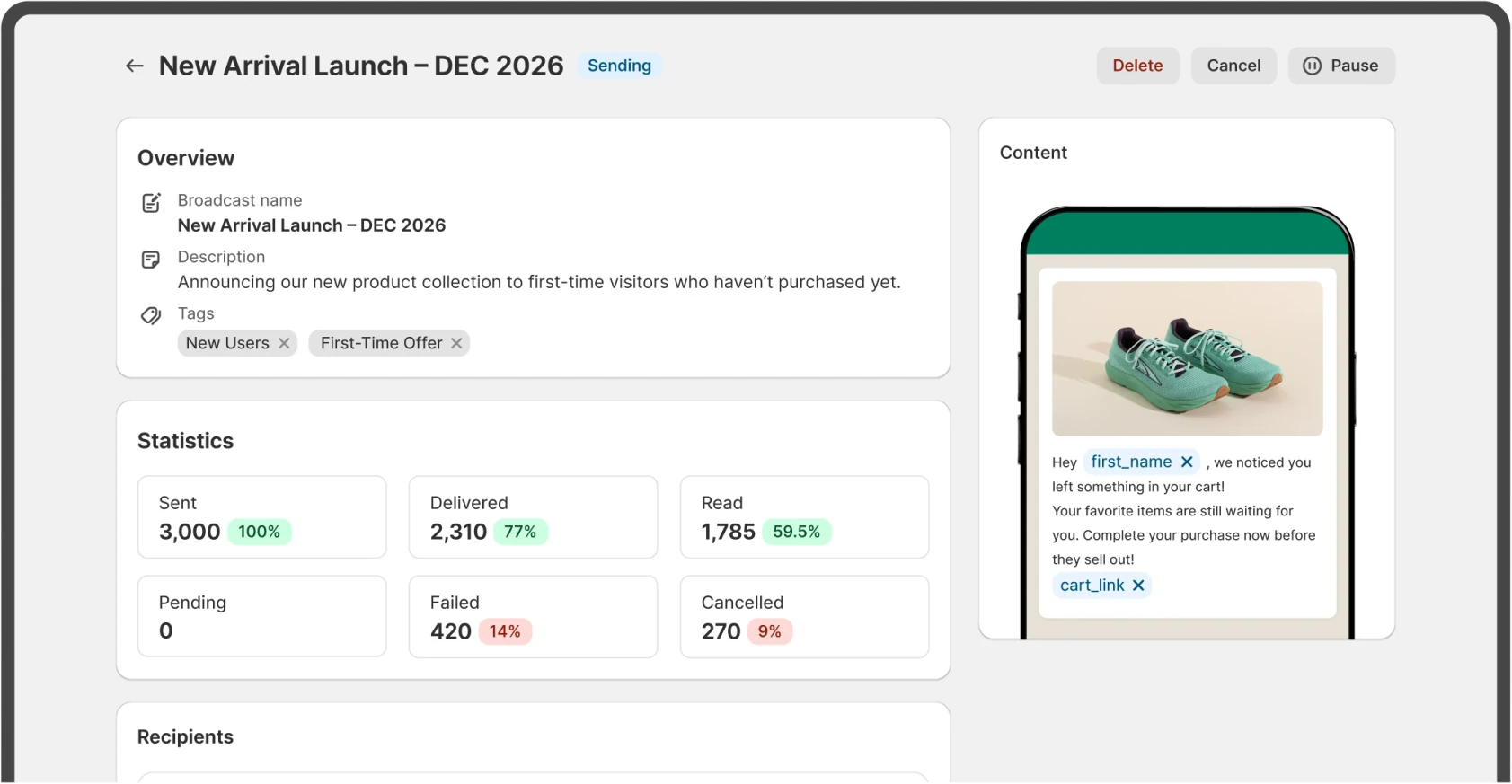
How it works
Four steps, and a draft saved at each one

Setup
Name the campaign and choose the number it sends from.

Audience
Use a saved segment or nest AND/OR filters here.

Template
Choose an approved template and map its variables

Preview
Send now, or schedule for a time in your store’s time zone.
Pre-built campaign templates
Ready-to-Send Templates for Every Sales Campaign
Launch promotional broadcasts in minutes without drafting copy from scratch or worrying about Meta approvals.
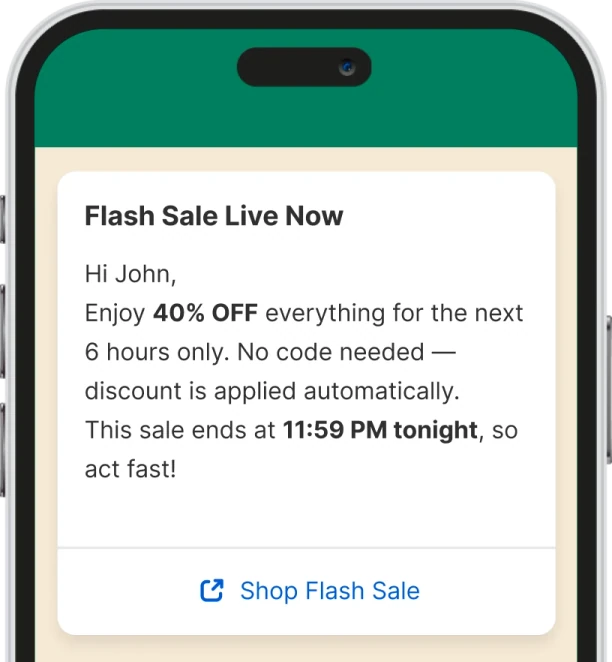
Flash Sale Alerts
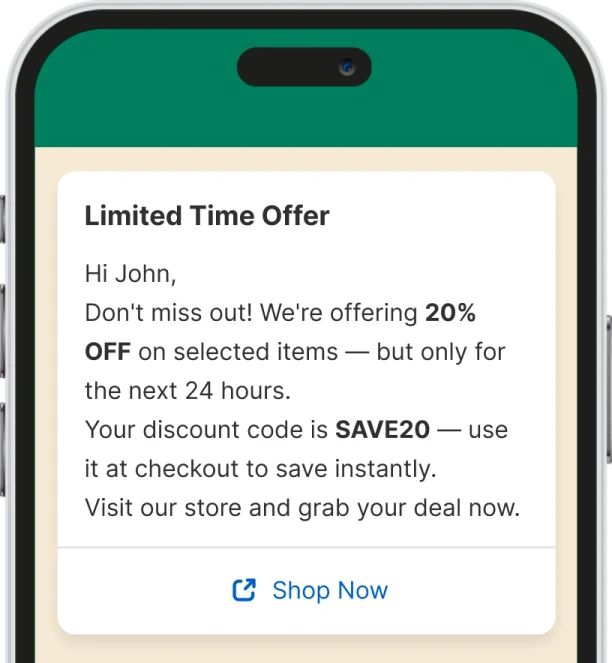
Limited-Time Discounts
Seasonal Sales
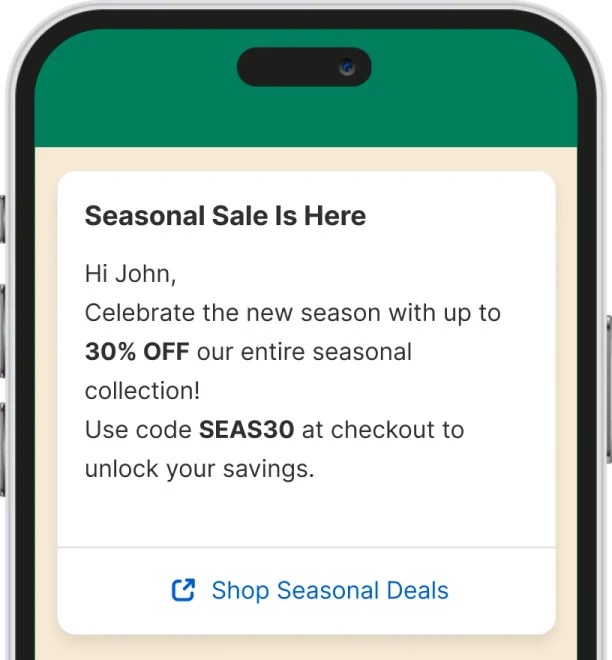
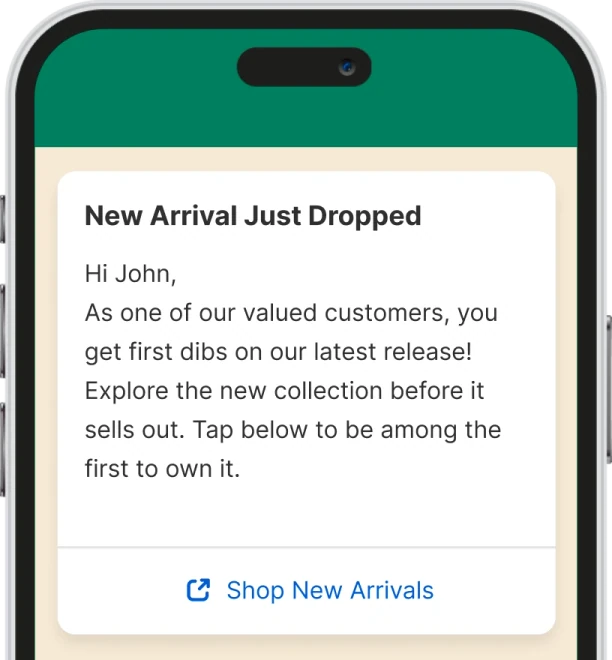
Product Launches
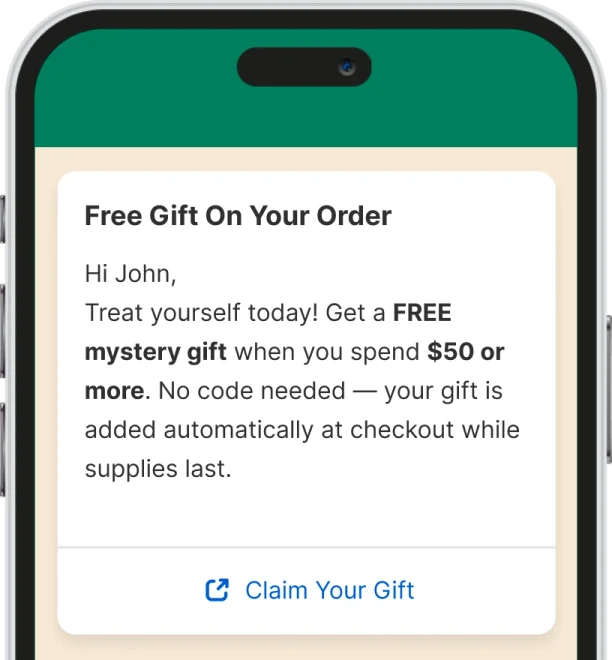
Free Gift with Purchase
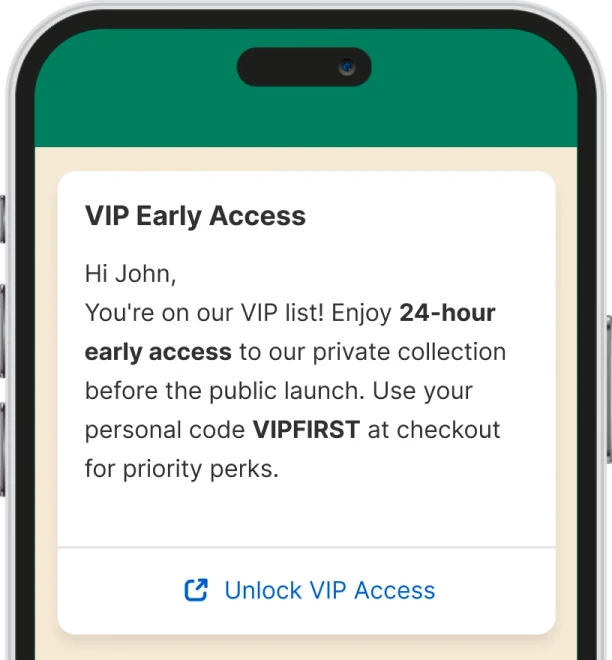
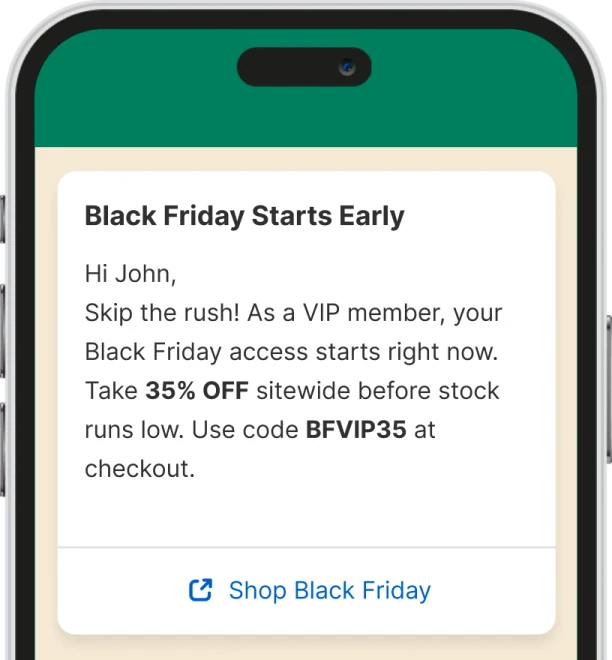
VIP Exclusive Deals
Black Friday
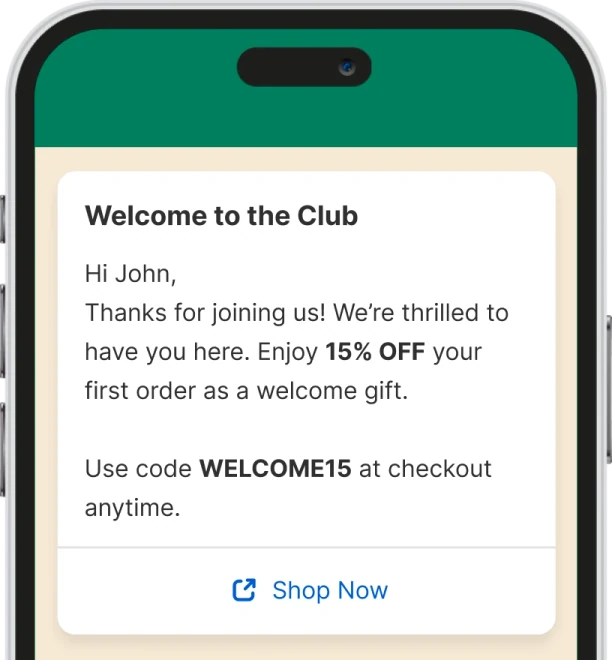
New Customer Welcome
FAQs
Can’t find the answer you’re looking for? Our team is here to help you with any questions about WaSend.
Contact UsYes. You can build and send broadcasts on the Free plan within its 50 messages a month. Paid plans raise the message quota and come with a 14-day free trial.
It depends on your plan: 50 on Free, 2,000 on Starter, 10,000 on Growth, 50,000 on Pro and 150,000 on Enterprise. Meta’s own conversation fees are billed separately by Meta.
No. WhatsApp only allows marketing messages to customers who agreed to receive them, so broadcasts go to opted-in customers only. Customers who unsubscribe are left out automatically.
Every broadcast uses a Meta-approved template, opted-out customers and invalid numbers are excluded automatically, and you choose exactly which segment hears from you, so customers are not messaged more than they expect.