Run the sale on WhatsApp,
aimed at the right list

Flash sales, launches, seasonal offers and VIP events. Built as a segment first and a message second, so the people who hear from you are the ones likely to buy.
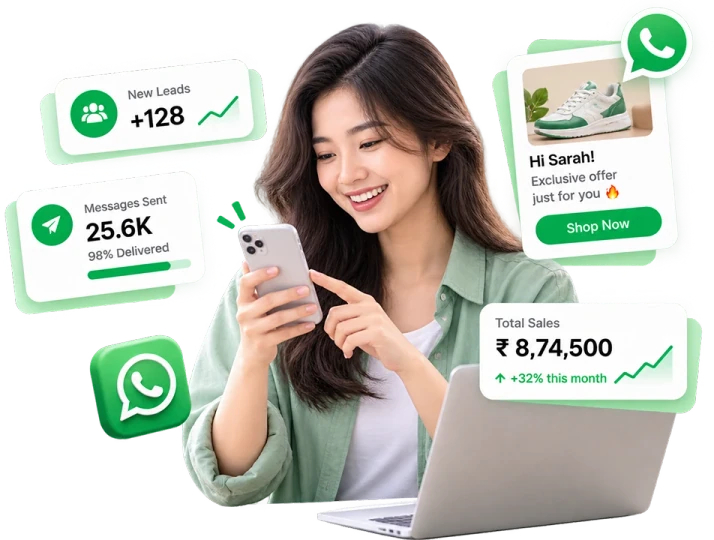
A smiling shopper on her phone beside a laptop, with WhatsApp campaign results: an exclusive offer message, 25.6K messages sent with 98% delivered, 128 new leads and total sales up 32% this month

Campaign types

Eight templates for the sales you already run

Each one exists in all seven supported languages, ready to submit for Meta approval or edit first.
Pre-approved by Meta

Flash Sale Alerts

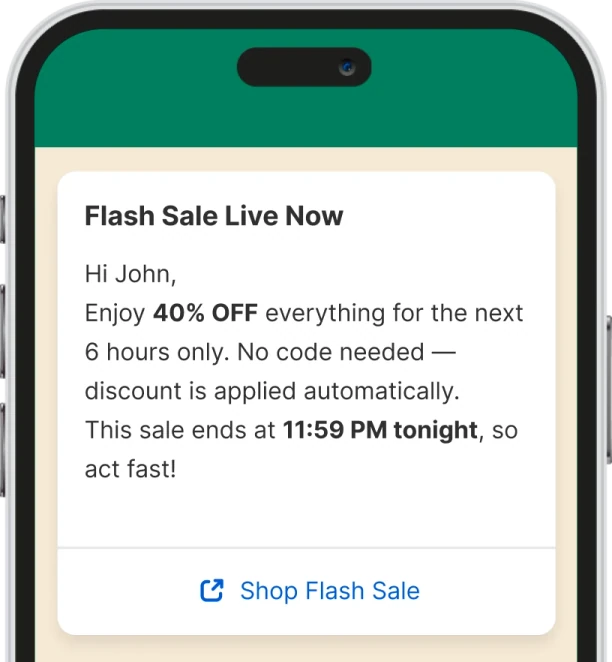
Flash sale template: 40% off everything for the next 6 hours

Limited-Time Discounts

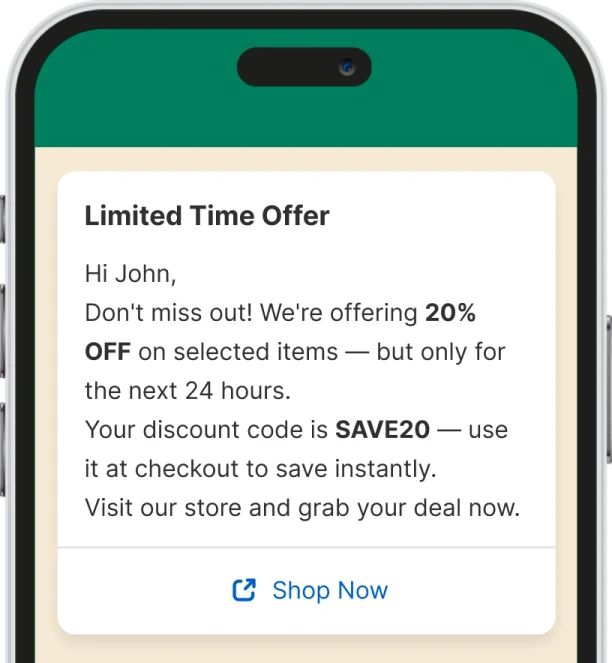
Limited-time offer template with the code SAVE20

Seasonal Sales

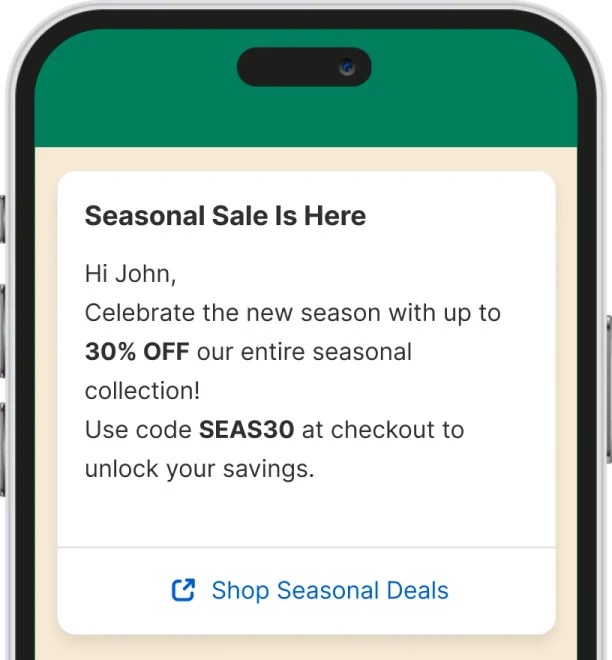
Seasonal sale template with 30% off and the code SEAS30

Product Launches

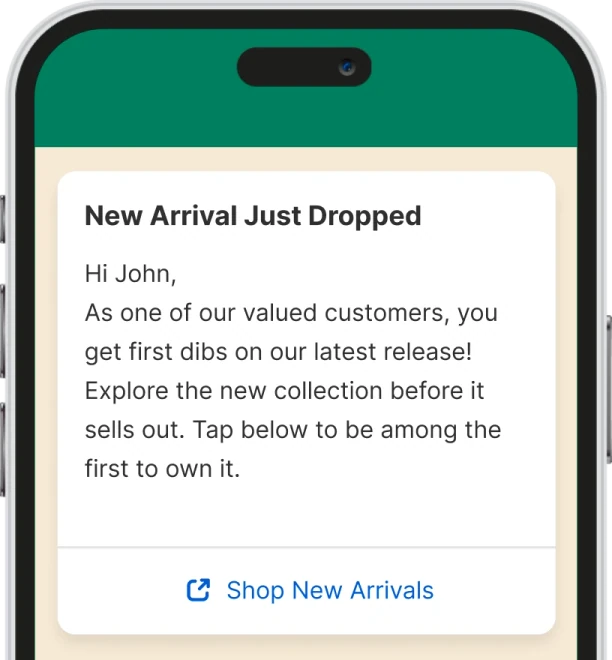
New arrival template: first dibs on the latest collection, with a Shop New Arrivals button

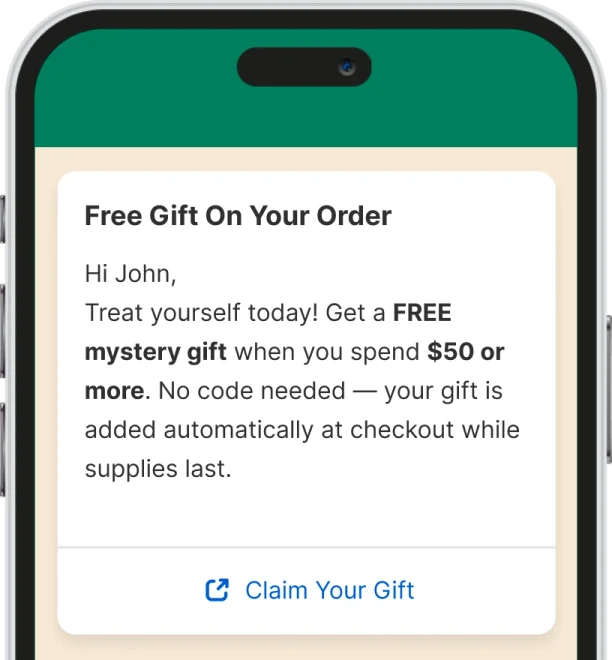
Free Gift with Purchase

Free gift template: a free mystery gift on orders of $50 or more, no code needed

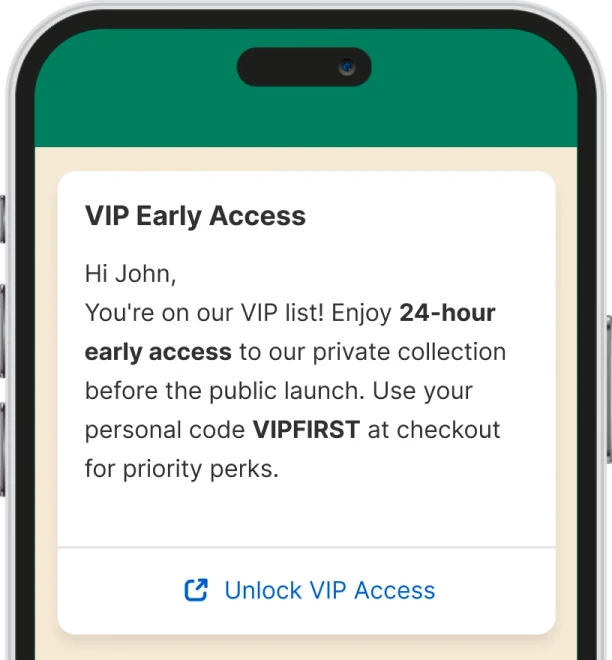
VIP Exclusive Deals

VIP early access template: 24-hour early access with the code VIPFIRST

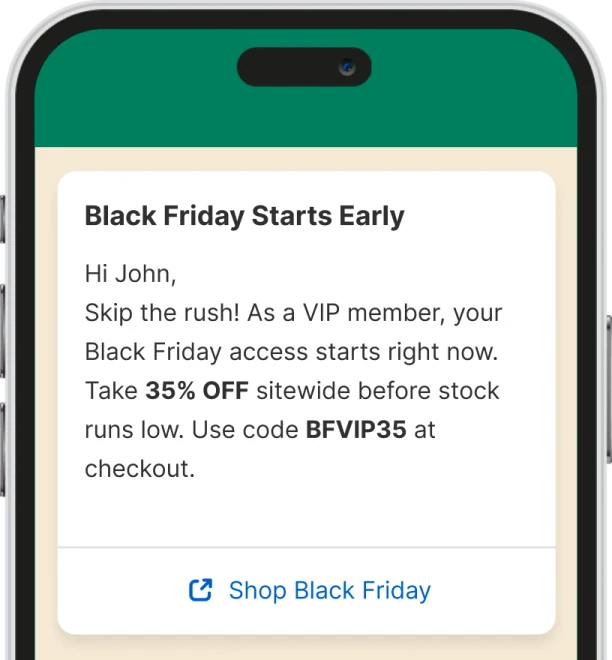
Black Friday

Black Friday template: 35% off sitewide for VIP members with the code BFVIP35

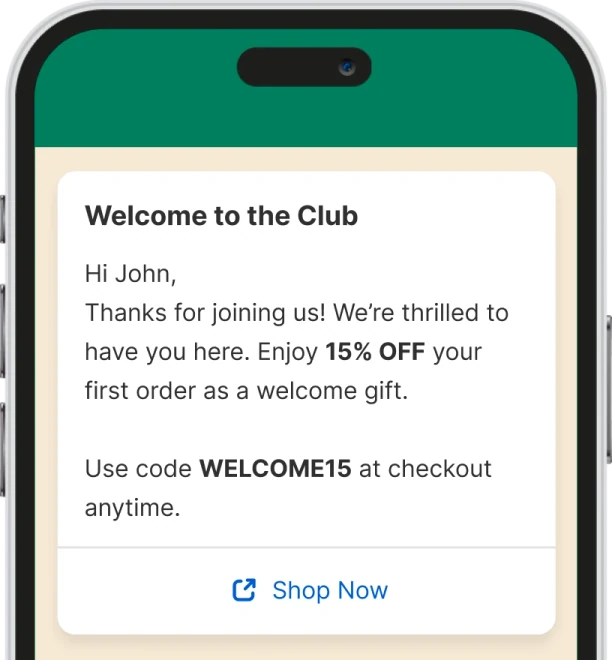
New Customer Welcome

Welcome template: 15% off the first order with the code WELCOME15
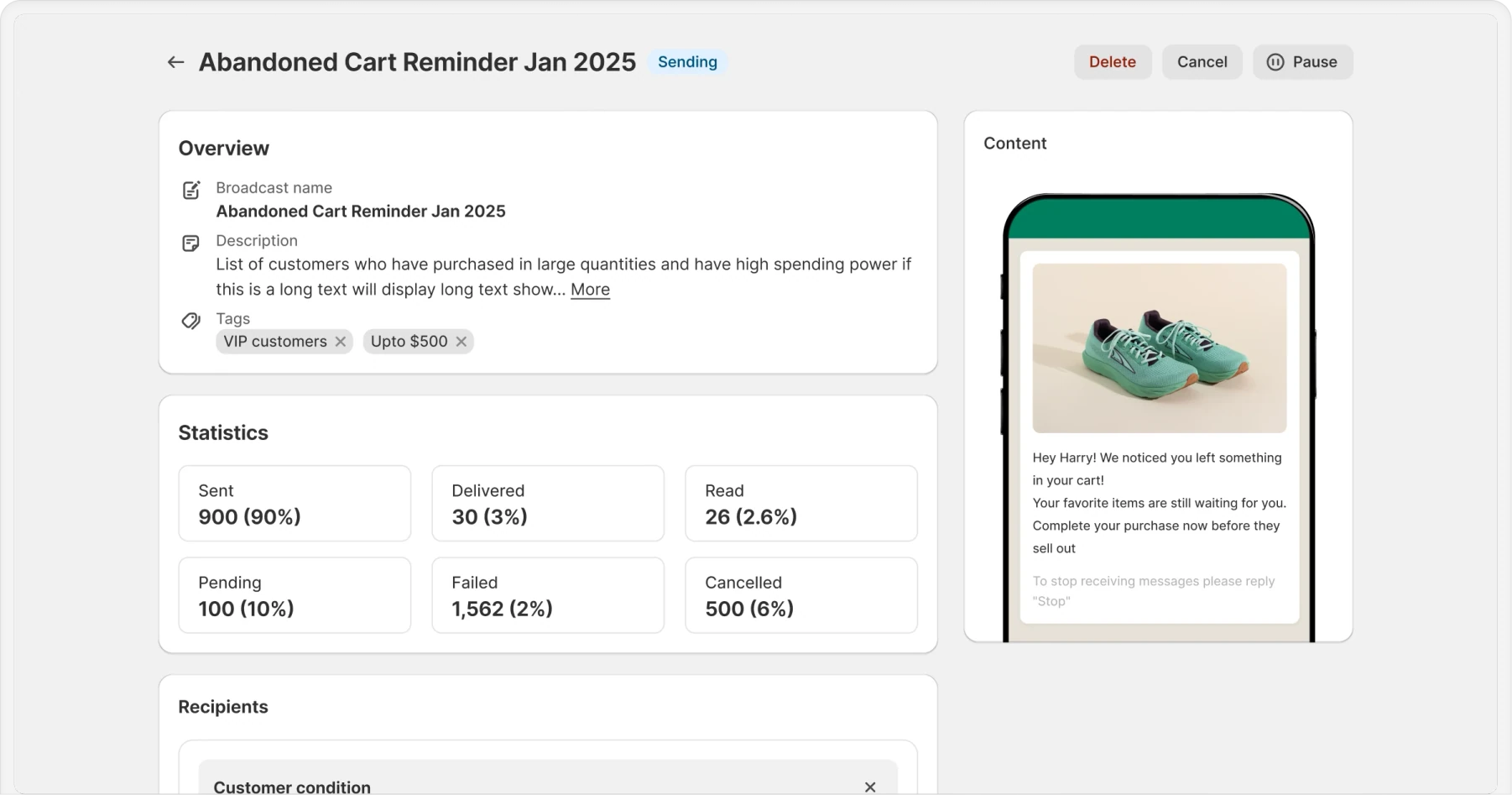
A WaSend broadcast while sending: overview with tags, statistics for sent, delivered, read, pending, failed and cancelled, and the message preview

Aim it with a segment

WhatsApp conversations are priced per message, so sending to everyone is expensive as well as annoying. Nested AND/OR conditions run against Shopify’s own customer, order and checkout data, and dynamic segments stay current on their own.

Schedule it for the right hour

Broadcasts schedule in your store’s time zone. Scheduling is available from the Growth plan up; on Free and Starter you send immediately.

Watch it land

Recipients, sent, delivered, read and failed update as the send progresses. Retry only the failed group rather than resending the campaign.

Attributed in Shopify

Marketing activities and UTM tags put WhatsApp revenue in Shopify Analytics beside your other channels. See attribution

FAQs

Can’t find the answer you’re looking for? Our team is here to help you with any questions about WaSend.

Contact Us
Two limits apply: your plan’s monthly message quota, with overage paid from the Top-up Wallet beyond it, and Meta’s own daily messaging limit for your number, which rises as you send to more customers with good quality ratings.
The send pauses instead of failing. Top up the wallet, or wait for your quota to reset, and it carries on from where it stopped; nobody gets the message twice.
Yes. Every template is approved by Meta before it can be sent, and promotional ones are reviewed as marketing. The campaign templates are ready to submit as they are, and you can follow the approval in WaSend.

Install WaSend and send your first message today

The Free plan needs no WhatsApp API, no credit card and no setup call.

Install Free on Shopify