
Stop answering “where is my order?”
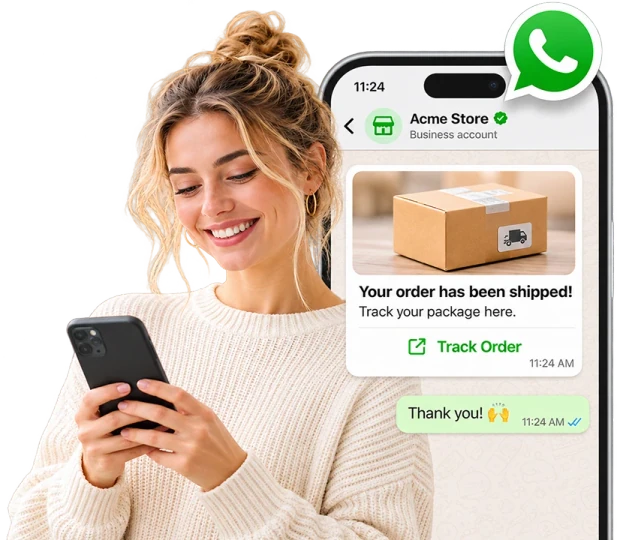
Every status change is a message the customer would otherwise have to ask for. Paid, shipped with a tracking link, cancelled, refunded — sent as they happen, on the channel people actually check.
How it works
Four autoflows cover the whole journey
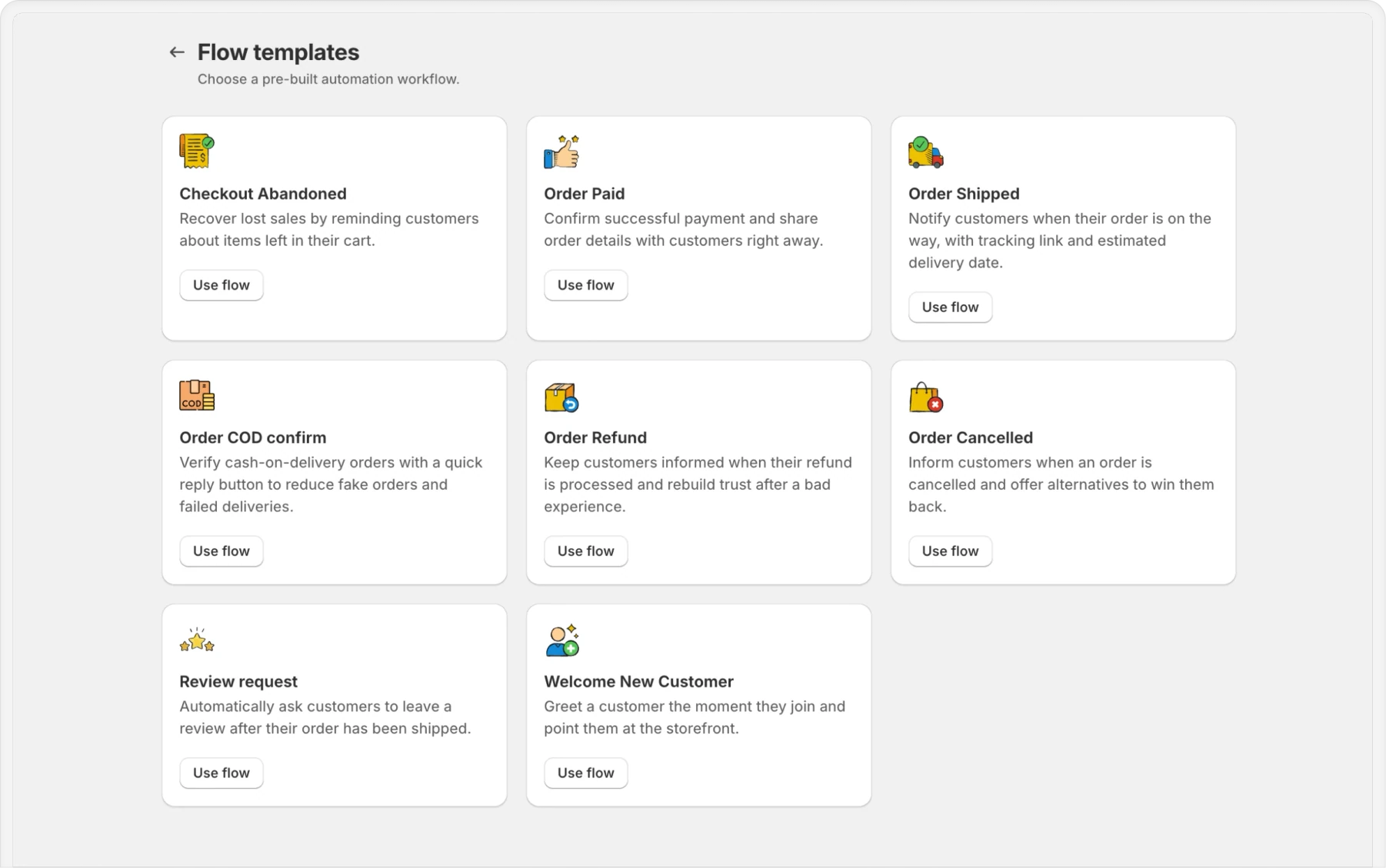
Each one is a separate flow, so you can switch on shipping updates without committing to refund messages.

Order Paid
Confirms payment and repeats the order detail, so the customer has a record without digging through email.

Order Shipped
Sends the tracking link and the expected delivery date. This is the message that removes most support tickets.

Order Cancelled
Confirms the cancellation and suggests an alternative, which sometimes wins the sale back the same day.

Order Refund
Tells the customer the refund is on its way. A refund handled well is why they come back.
Why these are utility templates
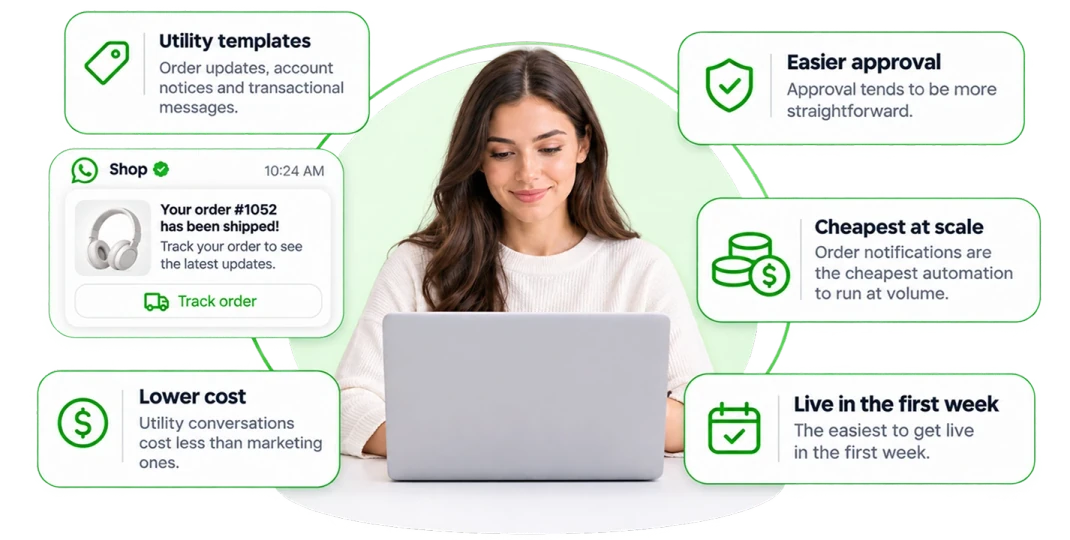
Meta sorts templates into categories and prices them differently. Order updates qualify as utility, because they concern a transaction the customer already made. Utility conversations cost less than marketing ones, and approval tends to be more straightforward. In practice this means order notifications are the cheapest automation to run at volume, and the easiest to get live in the first week.
Variables come from the order
Order number, total, line items, tracking company and tracking number are all available to the template, taken from Shopify at send time.

One message per order
These flows use the re-enter freely rule, because a customer with three orders should get three shipping notices. See re-entry rules

Replies land in the inbox
“Can you deliver Saturday instead?” arrives in the shared inbox with the order beside it. See the shared inbox
FAQs
Can’t find the answer you’re looking for? Our team is here to help you with any questions about WaSend.
Contact Us