
Follow ad spend all the way to the order
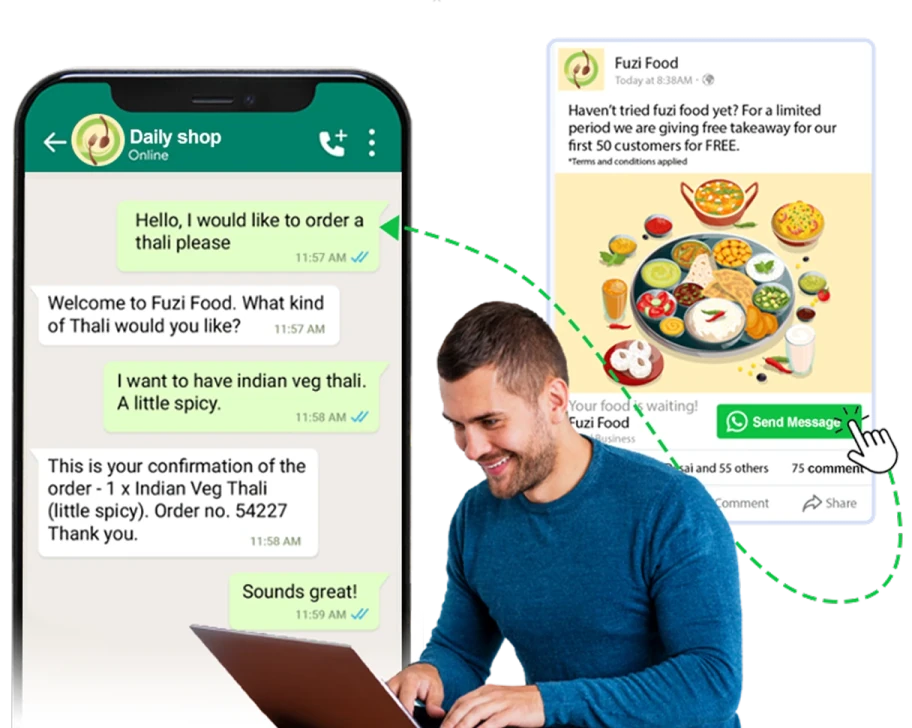
Connect your Meta ad account and WaSend tracks Click-to-WhatsApp campaigns through four stages: ad clicks, conversations, replies, orders. Greeting rules answer the moment someone clicks, inside business hours or out.
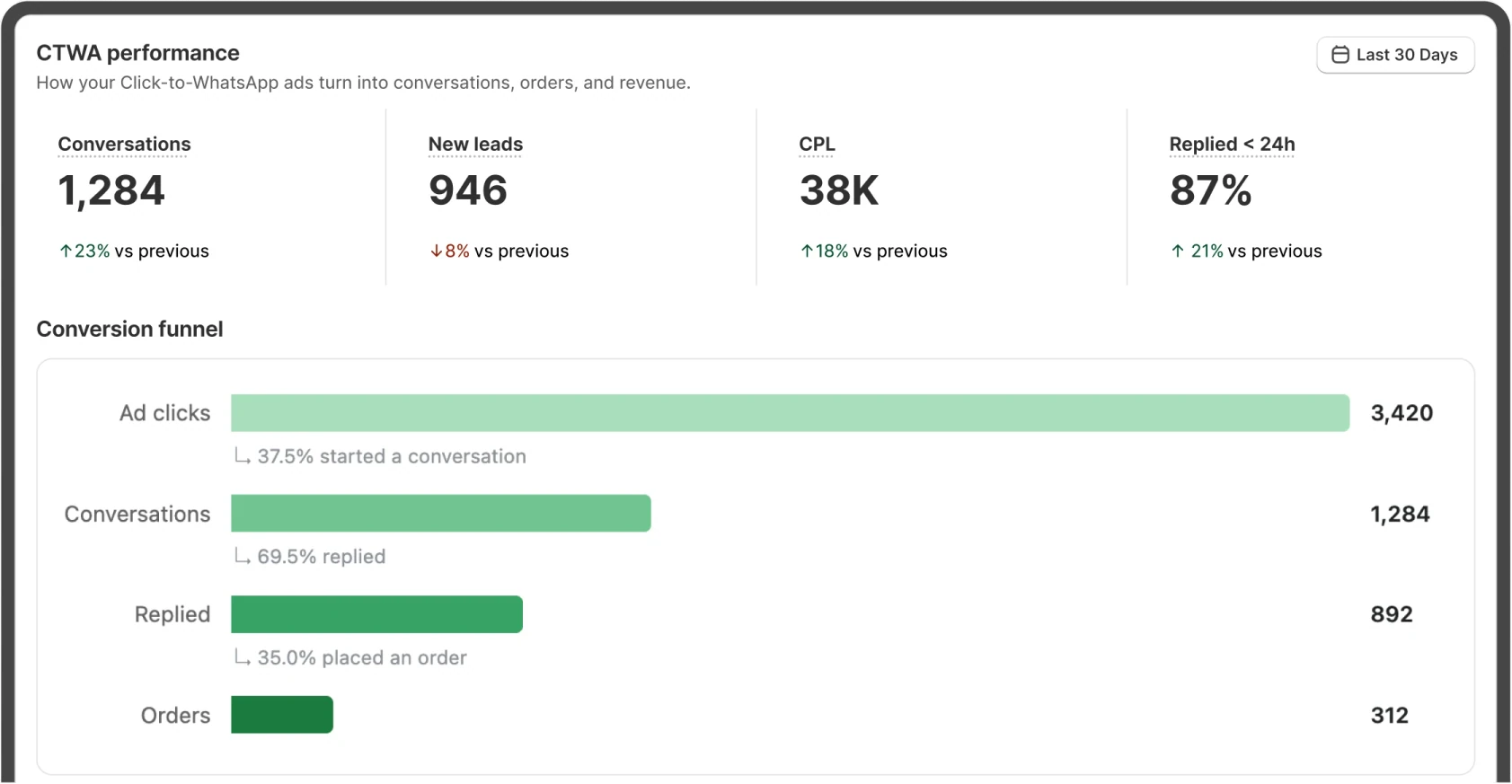
The four numbers
What you watch after the ad goes live

Conversations
How many ad clicks actually opened a chat, per campaign.

New leads
First-time contacts created from those conversations, tagged with their source.

Cost per lead
Ad spend divided by the leads it produced, so you can judge a campaign in a glance.

Replied under 24h
Your team’s response rate inside WhatsApp’s service window — the number that decides whether a lead converts.
The funnel, in one view
Ad clicks, conversations, replies and orders sit in one funnel inside Shopify Admin, with a campaign table underneath. You stop reconciling Meta Ads Manager against Shopify by hand.
- Ad clicks from your connected Meta account
- Conversations opened in WhatsApp
- Conversations your team replied to
- Shopify orders from those customers
FAQs
Can’t find the answer you’re looking for? Our team is here to help you with any questions about WaSend.
Contact Us